 Fitiva
How do I set my cancellation and refund policy?
Write it under Cancellation and refund policy in Financials; athletes then agree to it before they book a 1:1 session.
Write it once in Financials. Athletes then agree to it before they book a 1:1 session with you.
- Open Financials and scroll to Cancellation and refund policy.
- Write your Cancellation policy, for example "Cancel at least 24 hours before your session to avoid a charge."
- Write your Refund policy, for example "Sessions cancelled in time are fully refunded. No-shows are non-refundable."
- Press Save policy.
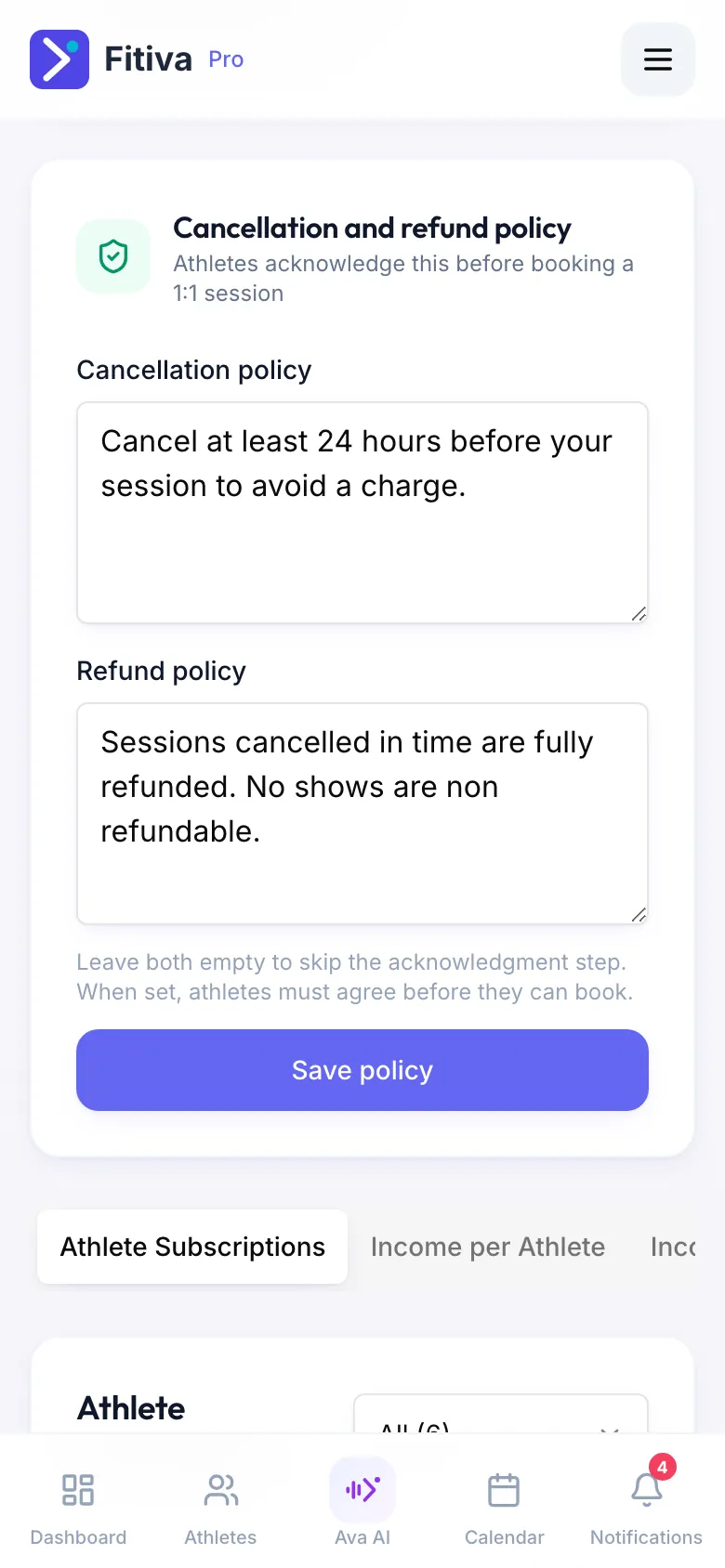
What athletes see
Before they book a 1:1 session, athletes read your policy and tick that they agree. If you leave both fields empty, that step is skipped.
Fitiva does not enforce it for you
When an athlete cancels a session they paid online, nothing is refunded automatically. You decide in the booking: refund the full amount, or keep it in line with your policy.
Good to know
- Athletes can cancel a booked session in the app until it starts. Your policy tells them in advance what to expect.
- Packages have their own refund and cancellation policy and their own window for giving a credit back, set in each package.
Looking for something else?