 Fitiva
How do I assign a workout plan to an athlete?
Let the AI write a plan over several weeks with Assign Plan (Pro and Elite), or build a routine yourself on the Workouts page and assign it to a day.
There are two ways. Assign Plan on the athlete's page writes a whole programme over several weeks with AI and schedules it day by day. That needs Pro or Elite. A single routine that you build yourself on the Workouts page works on every plan.
A plan over several weeks with AI (Pro and Elite)
- Open Athletes and tap the athlete.
- Press Assign Plan at the top and pick Workout plan.
- Answer the questions, one per screen: the sport, the goal, the level, Days per week and minutes per session, how the week is split, the equipment, anything that hurts, and your notes for the AI. What Fitiva already knows about the athlete is filled in for you.
- Set the Duration (between 1 and 8 weeks) and the Start date, then press Generate with AI.
- Review the plan week by week. Change exercises, sets, reps or weights, remove a day, or press Regenerate.
- Press Approve & assign.
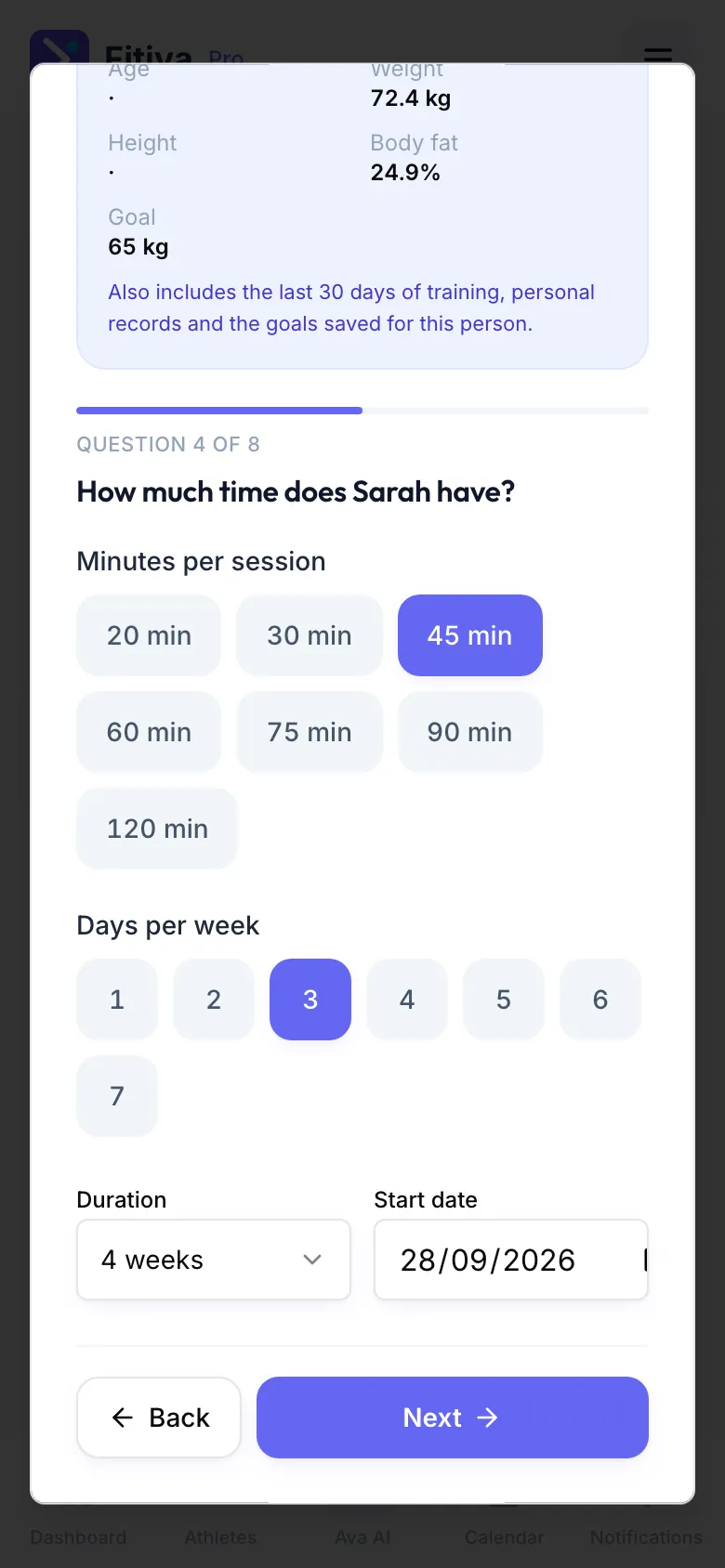
The AI also reads the last 30 days of training, the personal records and the goals saved for this person. Nothing reaches the athlete until you approve it. Then every workout lands on their plan on its day.
A routine you build yourself (every plan)
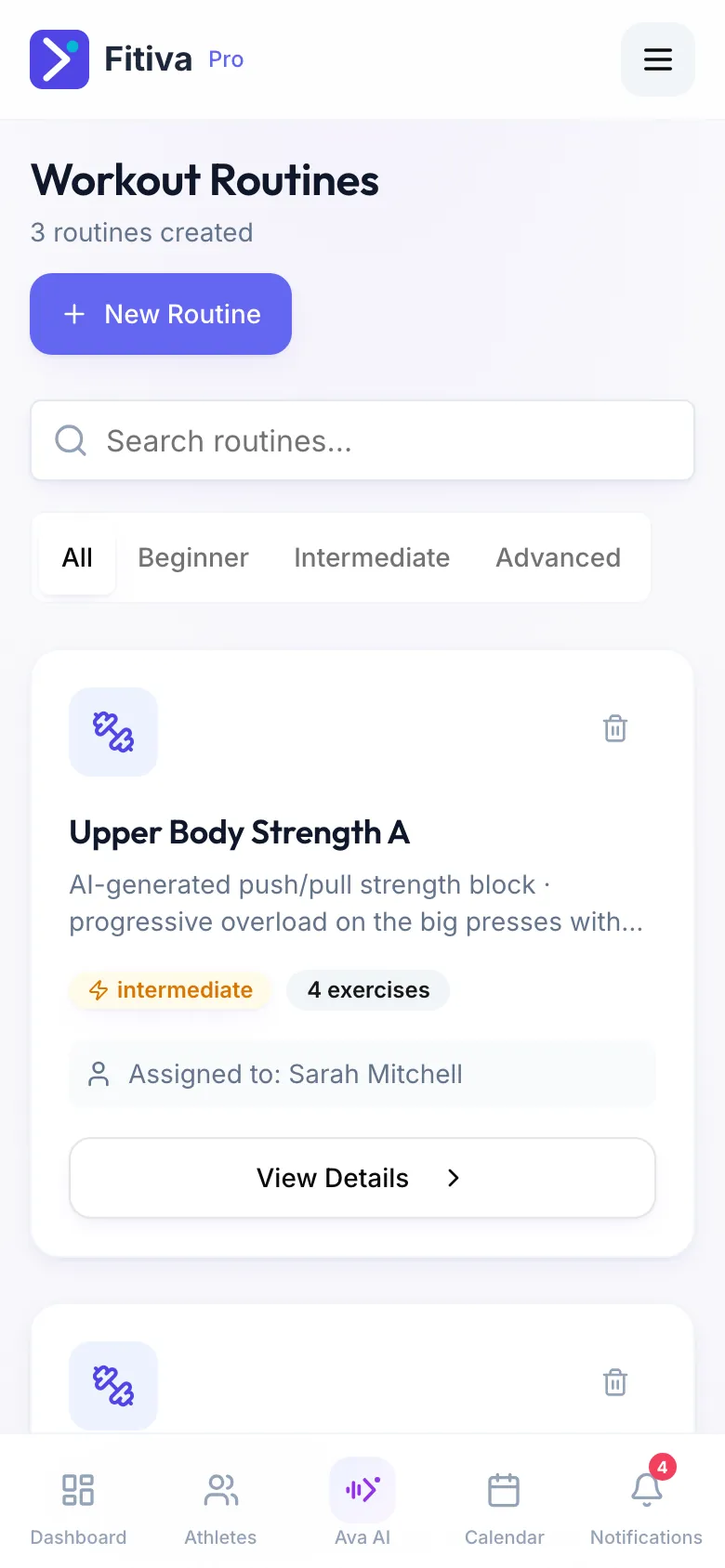
- Open Workouts and press New Routine.
- Pick Build it yourself, add the exercises and press Create Routine. Choose the athlete under Assign to Athlete, or keep it as a template.
- To give a template to an athlete later, open the athlete, find Assigned workouts on the Overview tab and press Assign. Pick the routine and, under When?, choose Today, Tomorrow, Pick a date or no fixed date.
Good to know
- Regenerate works twice per draft. After that, change the answers and start again.
- Every plan has a daily AI limit. If you reach it, try again tomorrow.
- Ava can create one workout for an athlete or assign one of your routines when you ask her. You confirm before anything is sent.
Looking for something else?