 Fitiva
How does someone who is not on Fitiva yet join my roster?
Add them with their email on Athletes: Fitiva emails them a link to join you, and you can also send the link yourself by WhatsApp or SMS.
Add the athlete with their email and Fitiva sends the invite for you. You also get a link to send yourself.
- Open Athletes and press Add Athlete.
- Fill in the Full Name and the Email, plus anything you know (age, height, weight, activity level, notes).
- Press Add Athlete.
- The next screen shows the invite link. Copy it, or send it by Email or WhatsApp. If you entered an email, the invite is already on its way.
When they tap the link and set a password, they are linked to your roster.
Later, from the athlete's page
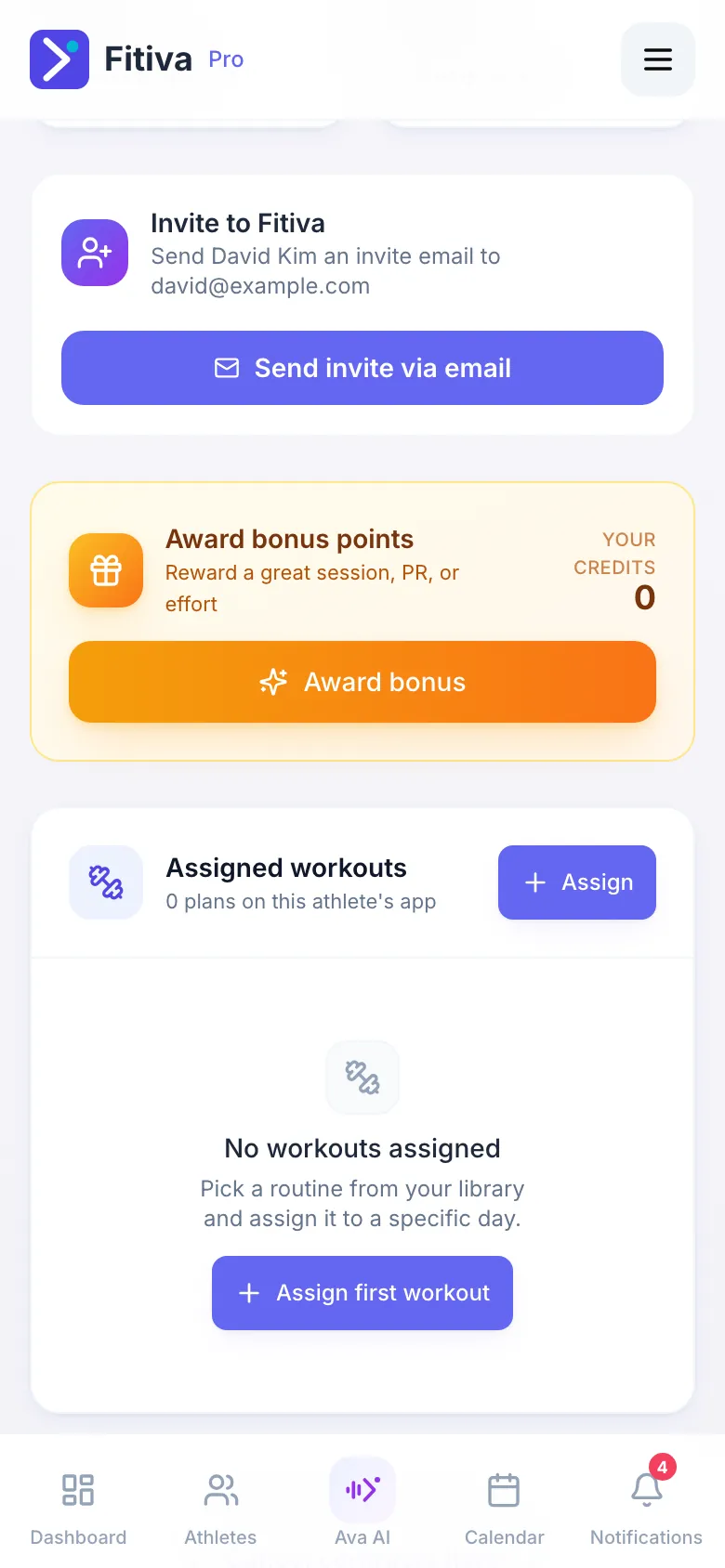
Until they join, the Overview tab shows Invite to Fitiva with Send invite via email, Generate invite link and Resend email, and the link with Copy link and SMS.
Good to know
- No email on file? Generate the link and share it yourself.
- If they already have a Fitiva account, or sign up without your link, they see your invitation on their dashboard and accept it there. Until then you cannot see their data.
- Until they join, you cannot send them notifications or bonus points.
- Every athlete you add counts towards your plan's limit: 3 on Free, 15 on Pro, unlimited on Elite.
Looking for something else?