 Fitiva
My notifications are not arriving
Check the push card at the top of your Notifications page, and on an iPhone add Fitiva to your home screen first.
Push is switched on per device on your notifications page, not in Settings. Open Notifications in the menu (athletes see the page as Inbox). The card at the top tells you where you stand:
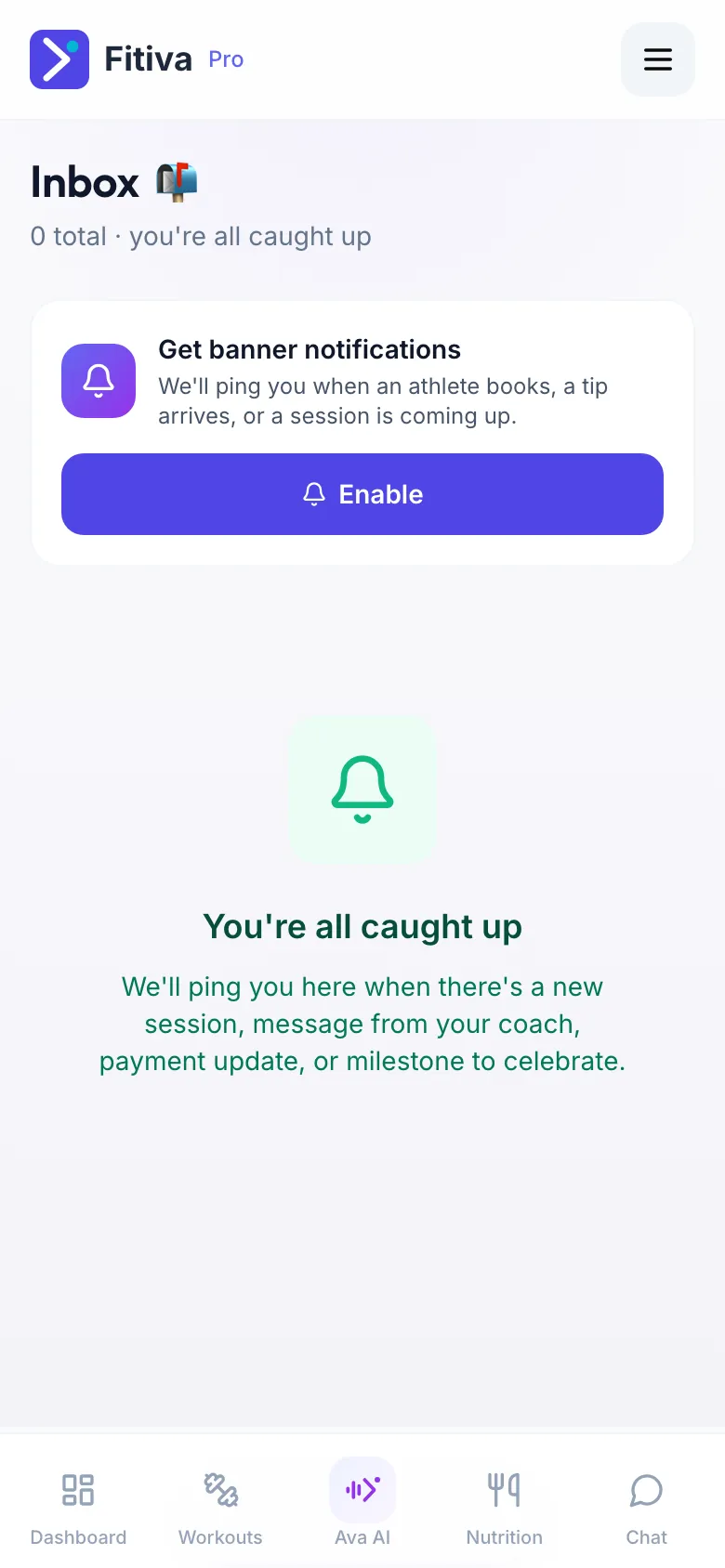
- Get banner notifications with Enable: push is off on this device. Press Enable and allow it when your browser asks.
- Notifications are blocked: you said no to your browser once, and only your browser can undo it. Allow Fitiva again in your browser's site settings, then come back to the card.
- Push notifications aren't supported in this browser: Chrome, Edge and Firefox work. On an iPhone you need Safari on iOS 16.4 or newer and Fitiva added to your home screen (see Can I use Fitiva on my phone?).
- Push notifications are on: this device is set up.
Still nothing?
- Athletes: look at Quiet hours in Settings under Reminders. Inside that window no push is sent.
- Check the notification settings of your phone for your browser or for the Fitiva icon.
- Push is set per device: switch it on again on a new phone or in a new browser.
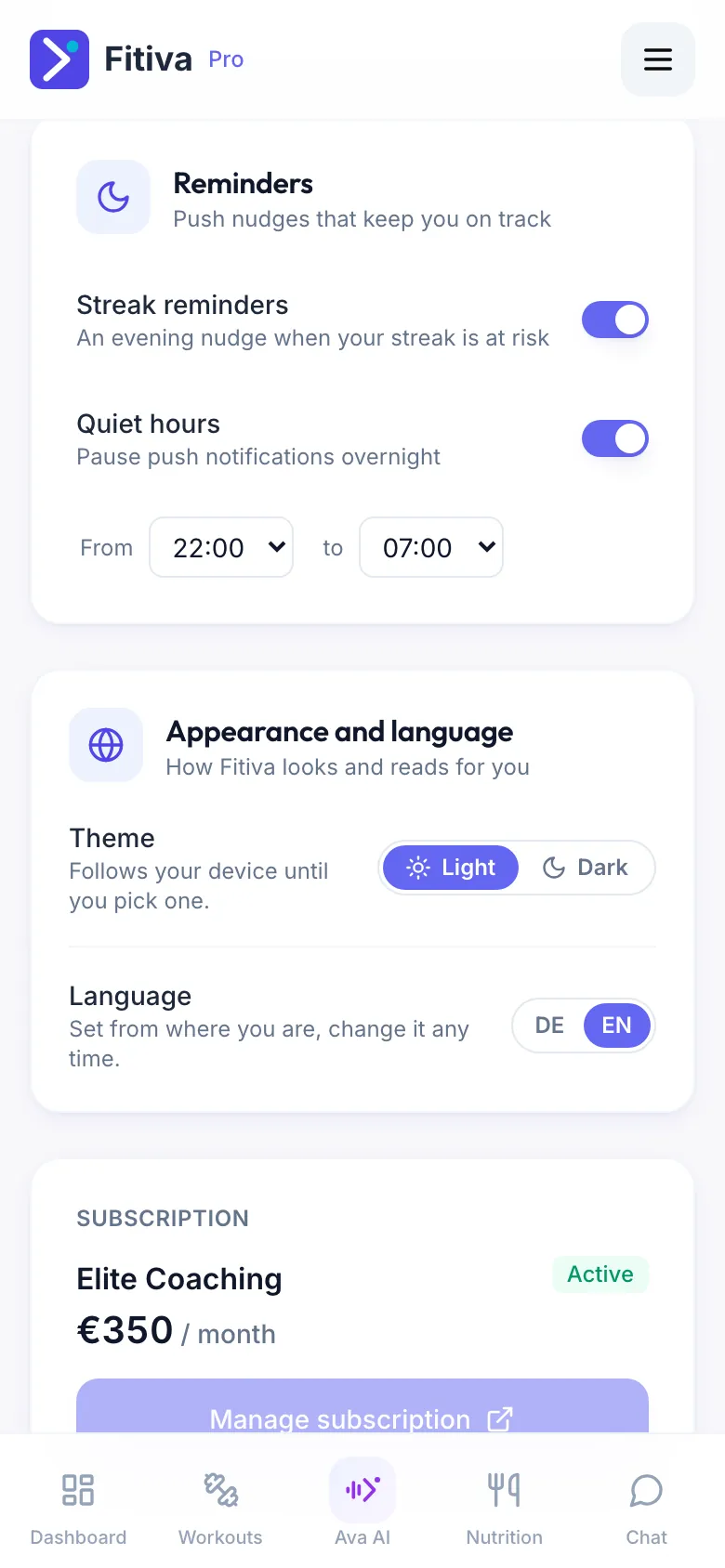
Coaches have no quiet hours. Emails are separate: you choose them in Settings under Email notifications (see Which emails and reminders do I get, and how do I change them?).
If the card says push is on and still nothing arrives, tell us with Contact support and name your device and browser, because that is the part we cannot see.
Looking for something else?