 Fitiva
How do I change my name, photo or body stats?
Athletes change it under My Profile with Edit, coaches under My Profile on the Identity card.
Athletes
- Open My Profile in the menu. The page is called Your profile.
- Press Edit, or tap your photo (Change profile picture).
- Change your photo, your name and, under Physical stats, your age, height, weight and body fat.
- Press Save changes.
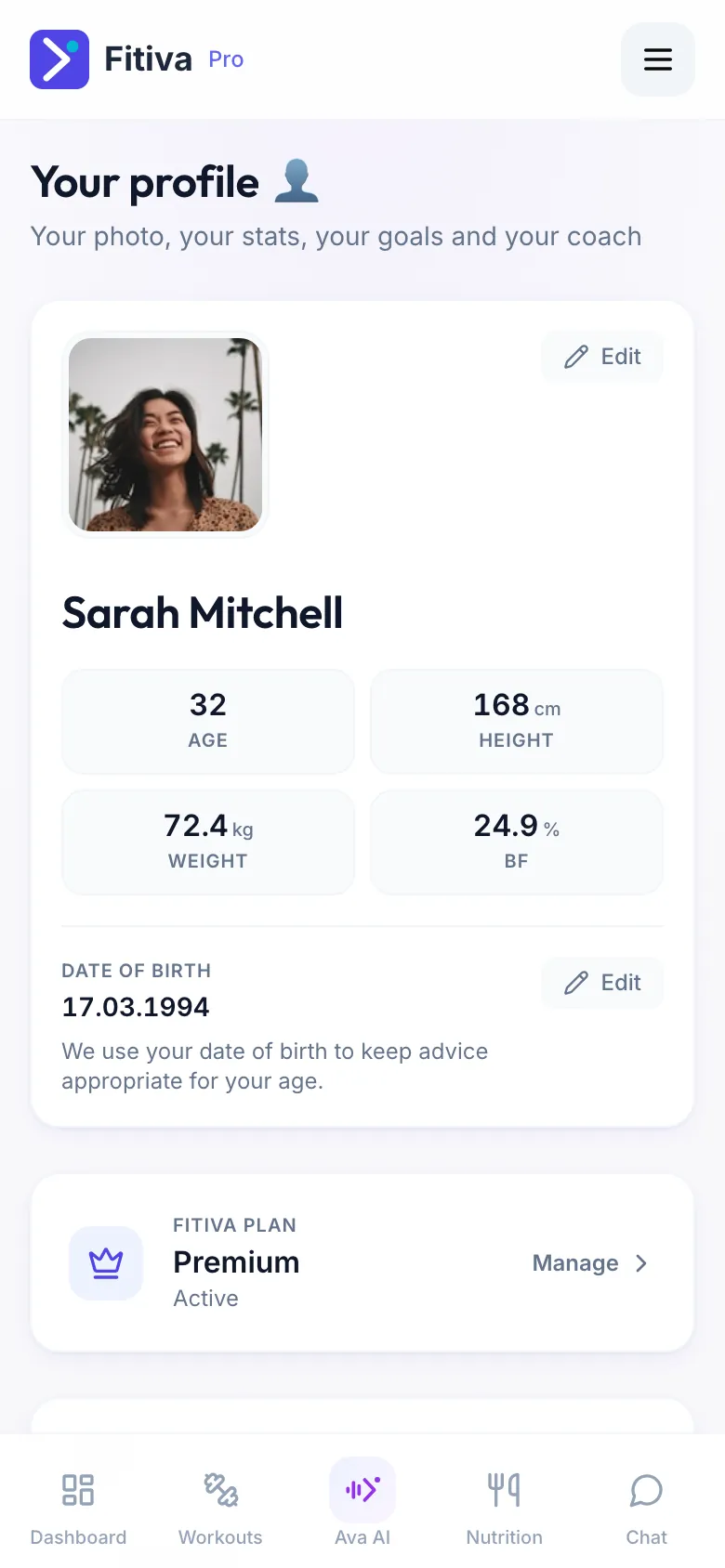
A new weight or body fat value counts as a new reading, so your body progress and any goal that depends on it move with it.
Also on My Profile:
- your Date of birth
- Your goals, to set or change your goal
- Health and limitations: what a coach should know, and whether your coaches may see it
- Your coach: the coach you train with
- your Username, which shows on the achievement cards you share
Coaches
Open My Profile; the page is called Coach profile.
- Identity: your photo, Full name, Bio and Phone
- Sport & focus: your primary sport, specialities and qualifications
- Public training location: where athletes find you
- Your links: Instagram, your website and more
Your public profile shows the changes.
Photos: athletes use JPG or PNG, coaches JPG, PNG or WebP. HEIC photos are not supported for the coach photo (see A photo will not upload).
Your email and your password are changed in Settings under Account & security.
Looking for something else?