 Fitiva
How do I change my email address?
In Settings, press Change next to your email under Account & security and confirm the change in both inboxes.
- Open Settings and find Account & security.
- Press Change next to your email.
- Enter the new address and your current password.
- Press Send confirmation.
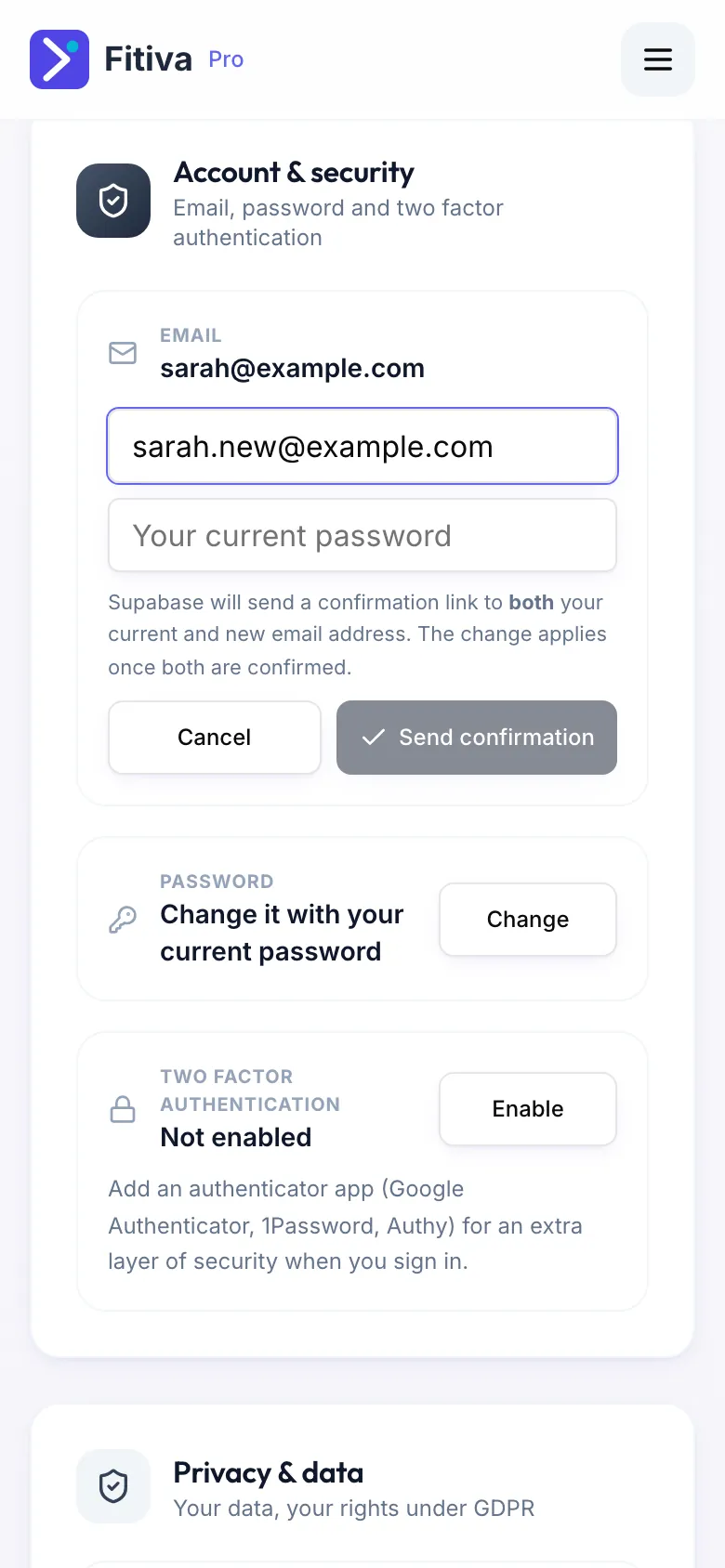
Supabase, our sign-in provider, sends a confirmation link to both your current and your new address. The change applies once both are confirmed. Confirming twice protects your account if someone gets into one of your inboxes.
Good to know
- Until both links are clicked, you sign in with your old address.
- A link did not arrive? Check the spam folder of both inboxes.
- That is not your current password means the password you typed is wrong; nothing was changed.
- No longer have access to your old inbox? Contact support while you are signed in.
Looking for something else?