 Fitiva
I did not get the confirmation email
Check spam, wait a minute and press Did not get it? Send it again, because the link is valid for 24 hours.
After you sign up, Fitiva shows Check your email and sends you a confirmation link. Your account works once you click it.
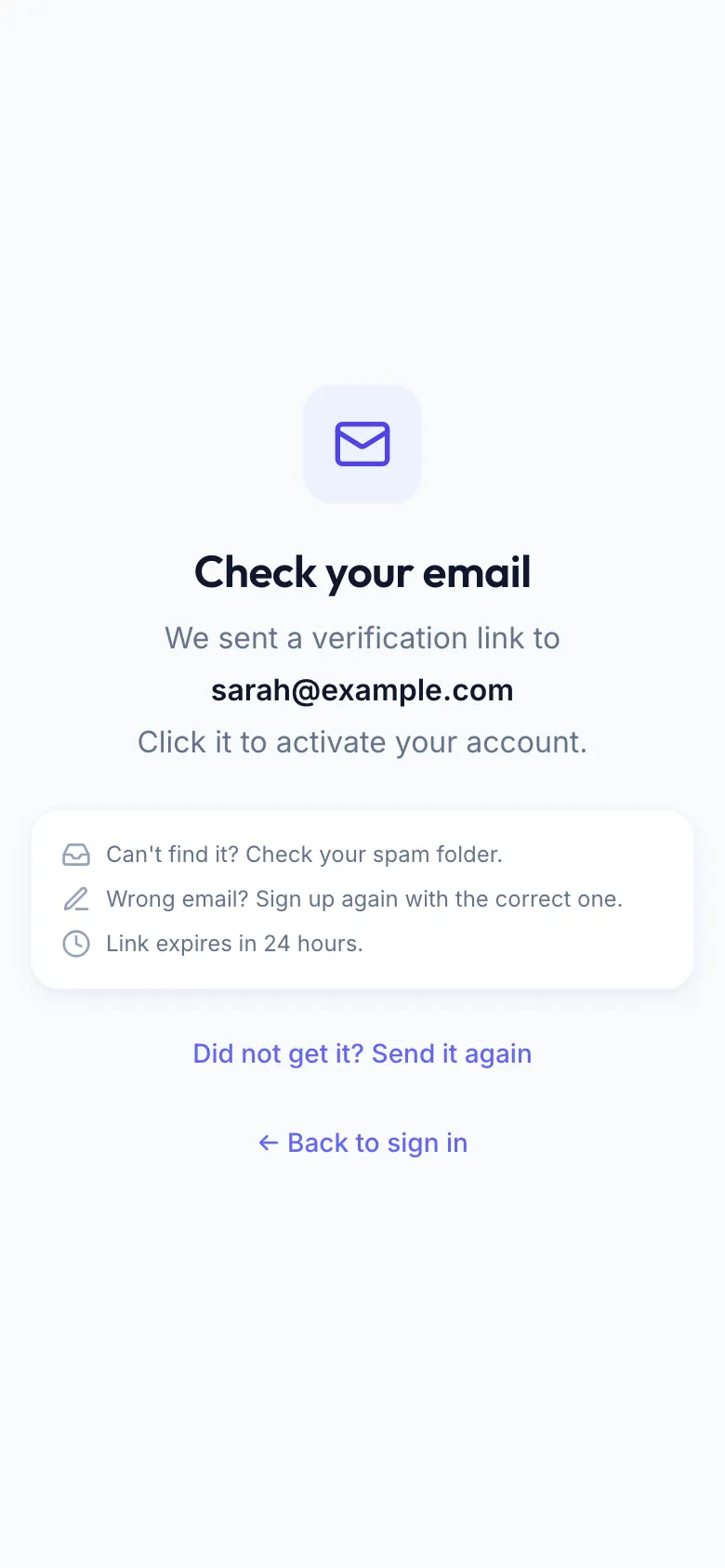
- Wait a minute and check your spam folder.
- Still nothing? On the same screen, press Did not get it? Send it again. You can send it again once a minute.
- Open the newest email and click the link. It is valid for 24 hours.
- Come back and sign in.
Closed that screen? Just sign in with your email and password. Fitiva says Confirm your email first and shows the screen with the resend link again.
Typo in the address? The screen shows where we sent the link. If it is wrong, sign up again with the correct address (Wrong email? Sign up again with the correct one.).
Link expired? Sign in and send a new one from the screen that appears.
Already have an account with that email? Then no new email is sent. Fitiva tells you and takes you to sign in instead.
Looking for something else?