 Fitiva
Why can I not book my coach?
The booking page tells you why, and this article explains each message and what to do.
When a booking cannot go through, Fitiva says why. Find your message:
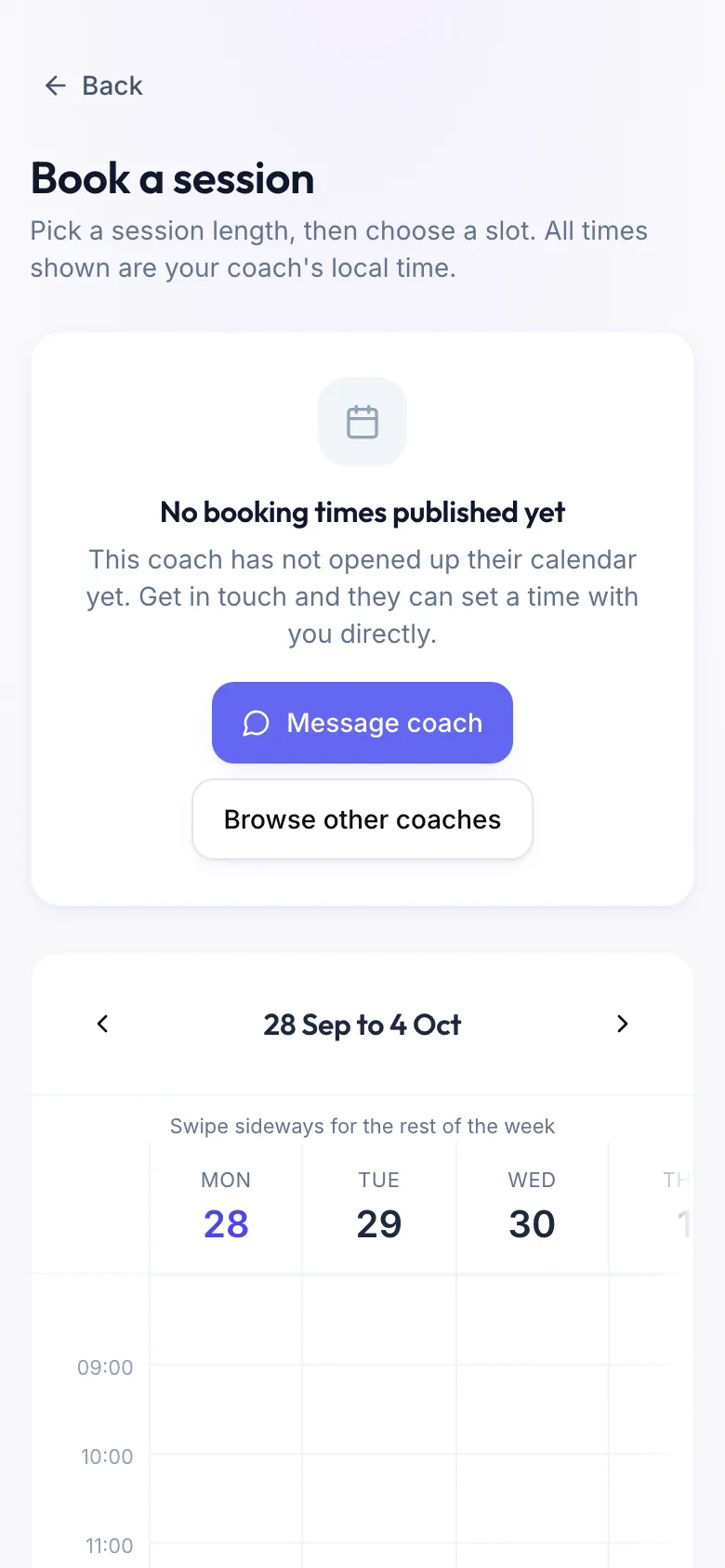
No booking times published yet: your coach has not opened their calendar. Press Message coach and agree a time directly, or Browse other coaches.
This coach is not taking bookings: their calendar is closed at the moment. Nothing was charged, and any credits you hold stay yours.
This coach is not taking on new athletes right now: their list is full. You can still message them.
Your free plan covers one coach: you already train with a coach on the free plan. Upgrade to Premium to train with more than one.
This coach takes payment online only: paying at the session is off for this coach. Pay by card when you book.
You need an account to pay for a session: a session you pay by card needs a Fitiva account. Fitiva takes you to sign up and then back to the booking.
Verify your email to book: confirm the link we sent you, then reload the page.
That time was just taken: someone was faster. Pick another slot.
Package credits
- That package has expired: its credits can no longer be used. Buy a new one or pay for this session.
- That package has no credits left: buy a new one or pay for this session.
- That package does not cover a session of this length: pick the length it covers, or pay for this one.
Please acknowledge the cancellation and refund policy first: tick the box that you agree to your coach's policy.
Still stuck? Message your coach, or contact support.
Looking for something else?