 Fitiva
I forgot my password: what do I do?
Press Forgot? on the sign-in page and we email you a reset link, or change it in Account & security while you are signed in.
Signed out
- On the sign-in page, press Forgot? next to the password field.
- Enter your email and press Send reset link.
- Open the email and follow the link.
- On Reset your password, enter a new password of at least 8 characters twice and press Set new password.
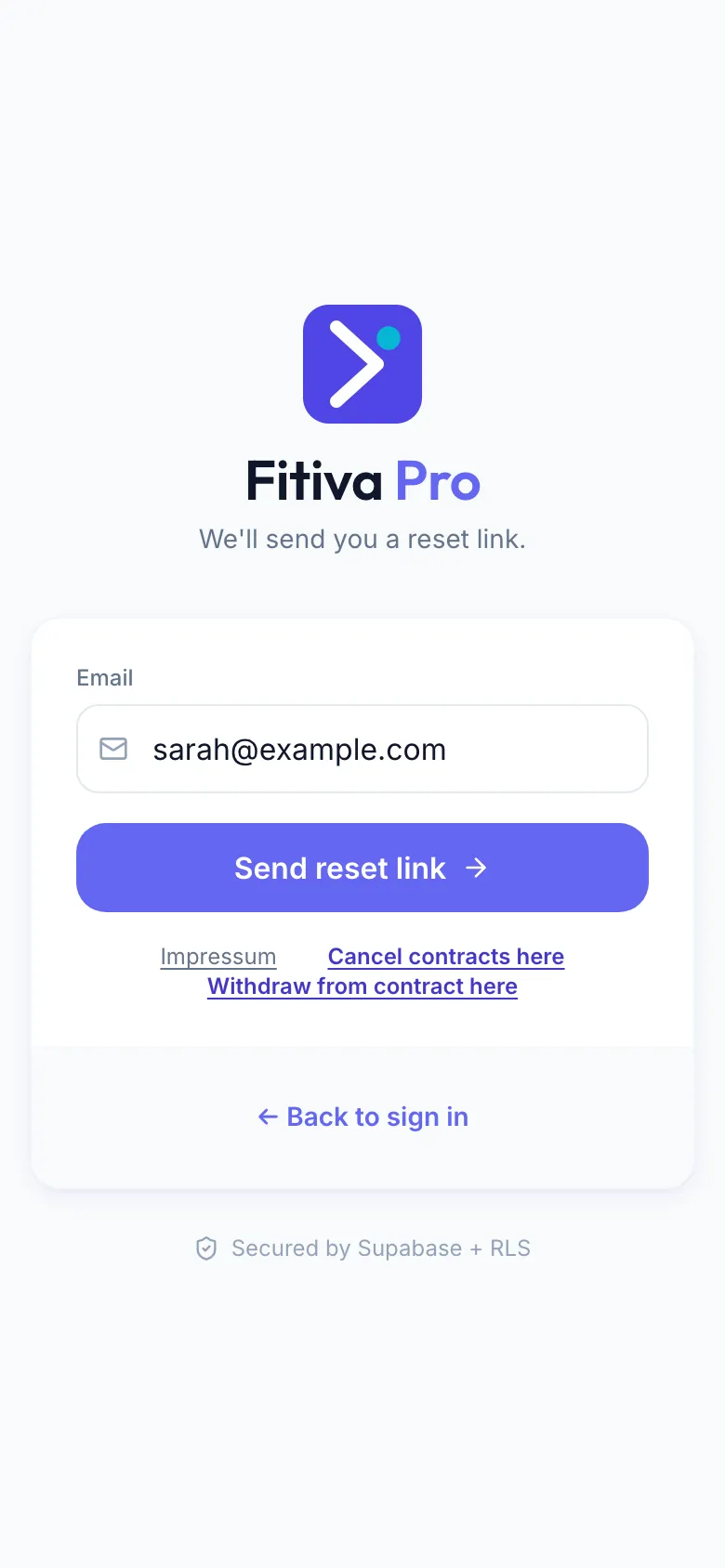
Then sign in with your new password. If the page says Link expired or invalid, ask for a new link from the sign-in page.
Signed in
Open Settings, Account & security, and press Change next to Password. If you know your current password, change it right there (see How do I change my password?). If not, press Forgot your current password? Send a reset link by email instead.
No email? Check your spam folder and make sure you typed the address of your account.
Looking for something else?