 Fitiva
How do I change the language or switch to dark mode?
Settings, Appearance and language: pick Light or Dark, and switch between DE and EN.
- Open Settings and find Appearance and language.
- Under Theme, pick Light or Dark.
- Under Language, pick DE for German or EN for English.
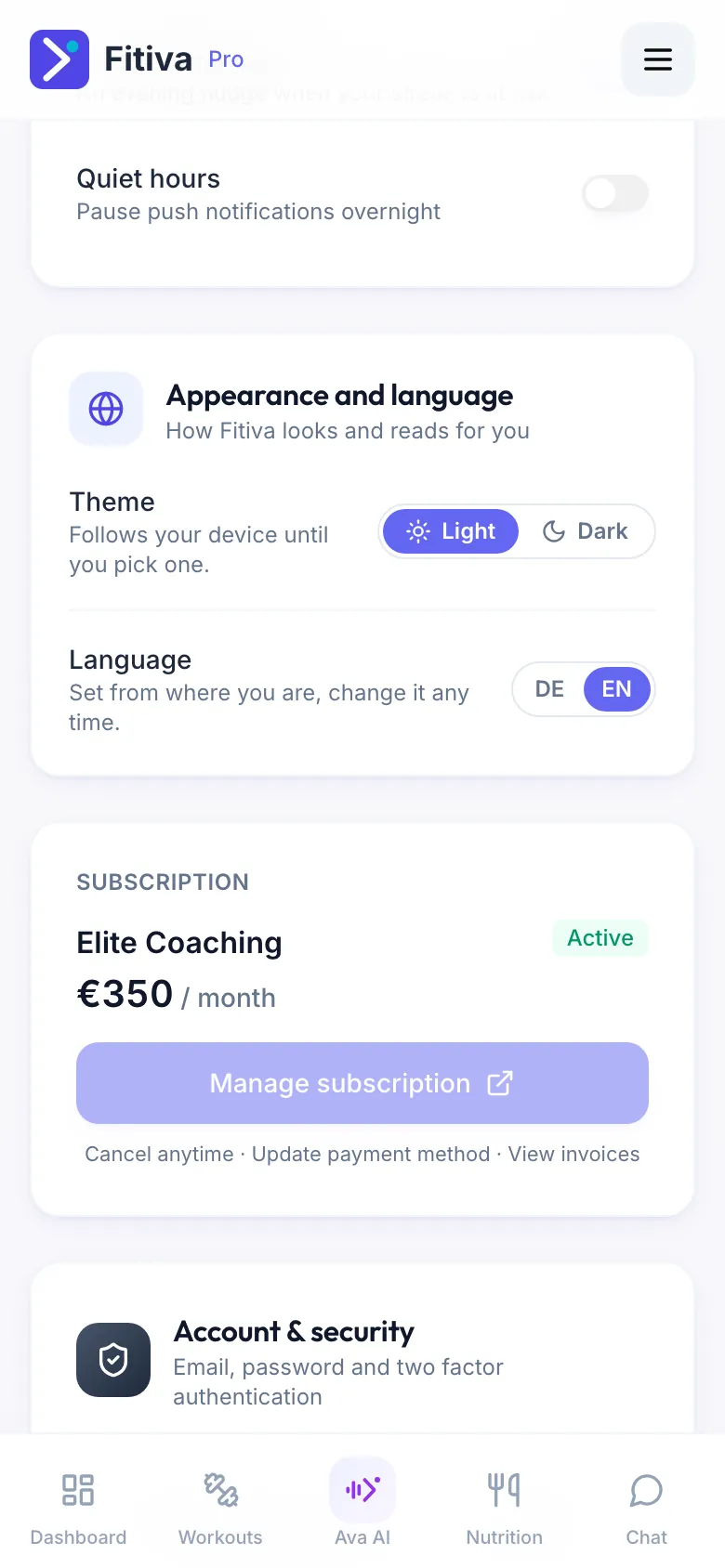
Theme. Until you pick one, Fitiva follows your device, so it turns dark when your phone does. Your choice is saved on this device, so pick it again on another one.
Language. Your first language is set from where you are. A language you pick yourself sticks. It is also saved to your account, so the emails and push notifications we send you follow it. Ava and the other AI features answer in the language the app is set to.
Fitiva is available in German and English.
Looking for something else?