 Fitiva
How do I reach the Fitiva team?
Ask Ava for a quick answer or open a ticket with Contact support on the help page, and we reply by email.
Fastest: ask Ava. Open Help and support in the menu and press Ask Ava. Ava knows the app and this help centre and answers straight away.
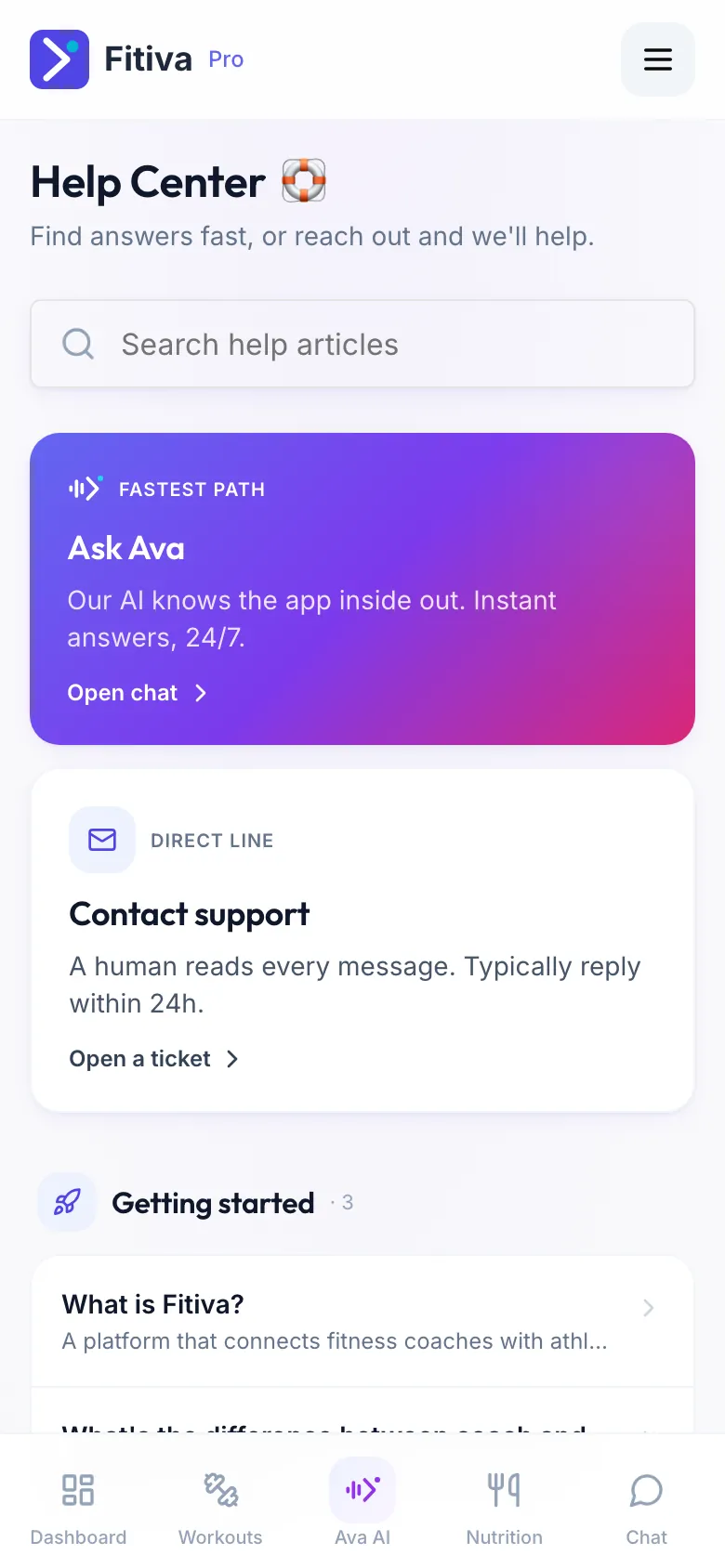
Write to the team
- Open Help and support and press Contact support.
- Under What's this about?, pick a topic: Something is broken, Billing or refund, Account access, Feature request or Something else.
- Write a one-line Subject and the Details: what happened, what you expected, and the steps that got you there.
- Press Send.
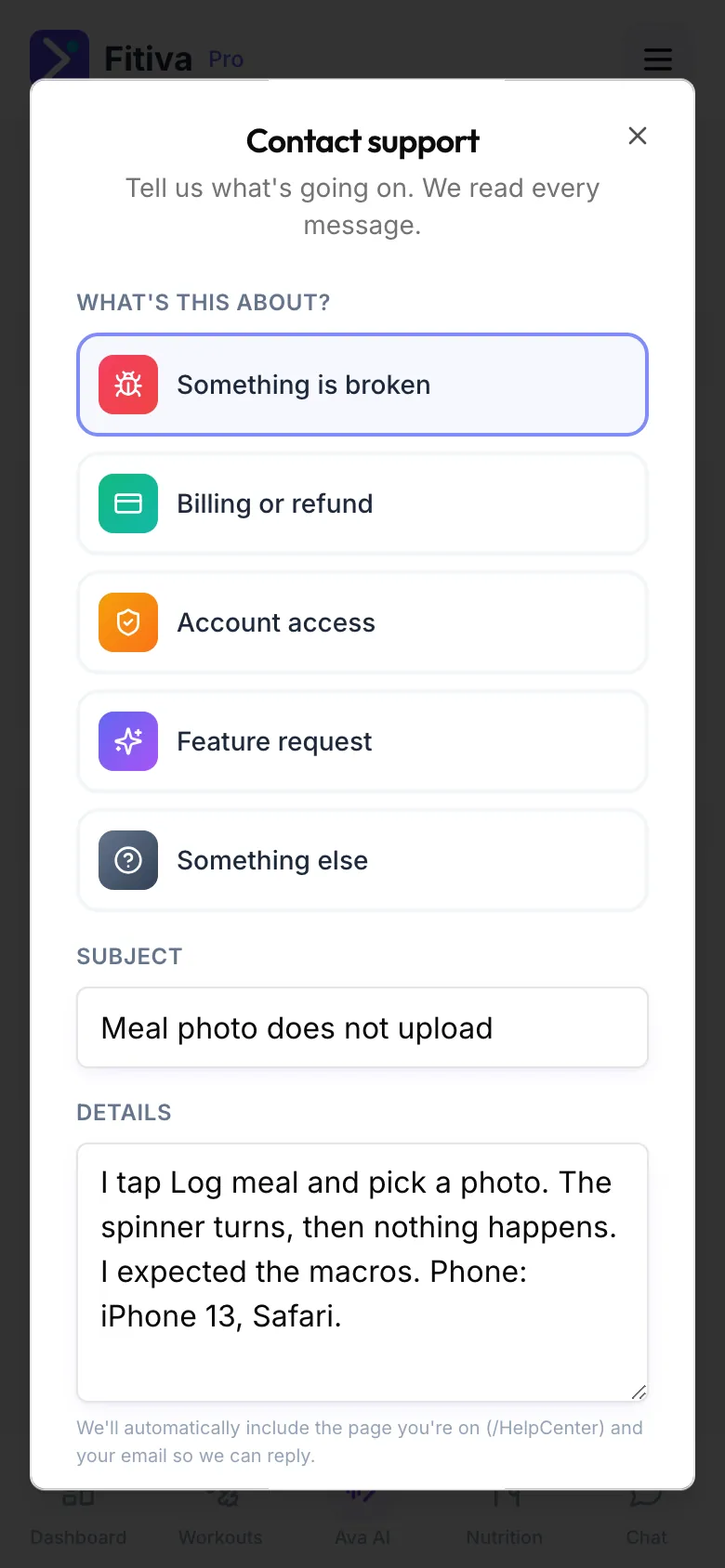
We add the page you were on and your email automatically. A person reads every message, and we aim to reply within 24 hours, by email. Ava can also open a ticket for you, and she can tell you which tickets you already sent.
No account, or cannot sign in? Write to hello@fitivapro.com. That is our only address, and it is also where screenshots can go.
Ideas and bugs are also welcome under Feedback in the menu.
Looking for something else?