 Fitiva
First 5 minutes as a new athlete
Follow Your first steps on your dashboard: goal, first meal, first glass of water, check-in and reminders.
Your dashboard starts with Your first steps. Each row takes you straight to the right place and ticks itself off when it is done.
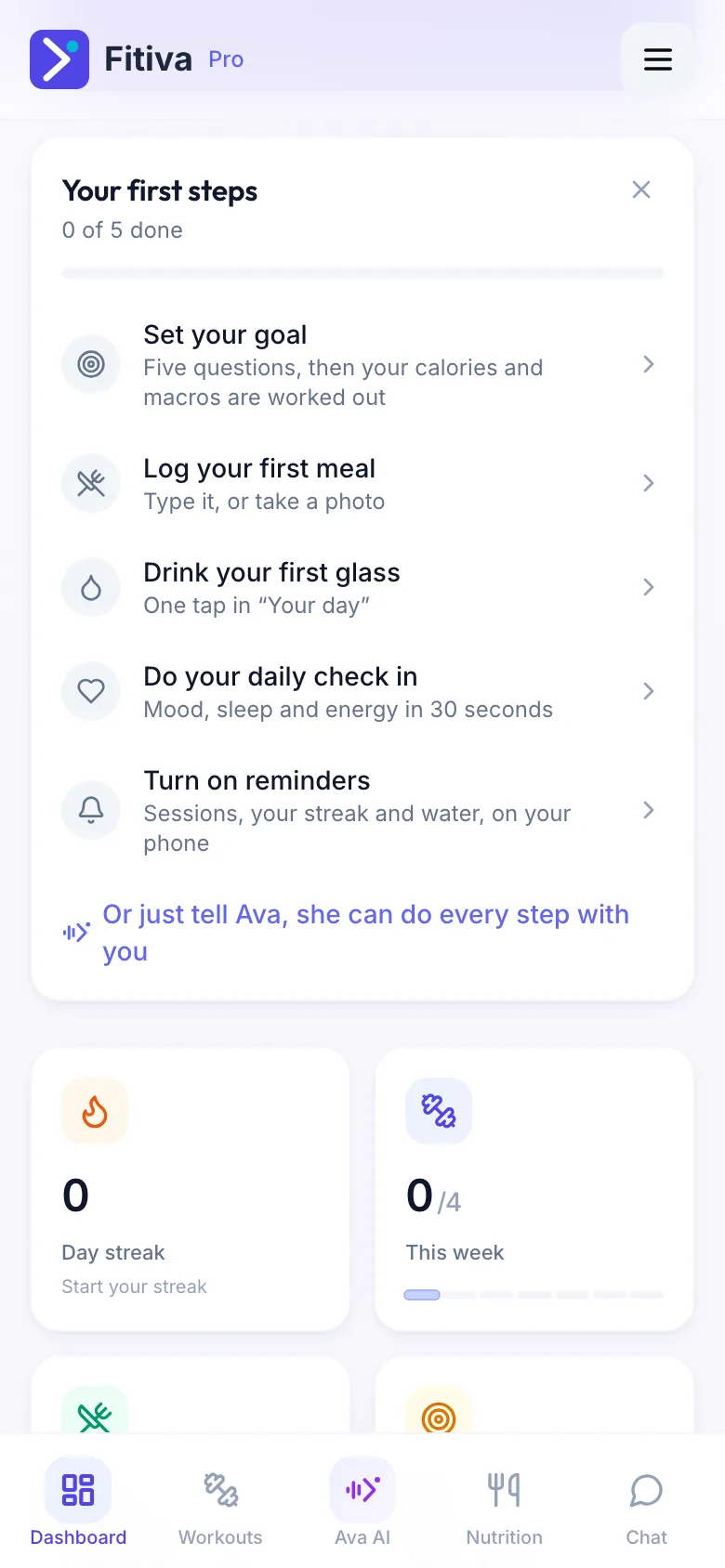
- Set your goal: five questions, then your calories and macros are worked out.
- Log your first meal: type it, or take a photo.
- Drink your first glass: one tap in Your day.
- Do your daily check-in: mood, sleep and energy in 30 seconds.
- Turn on reminders: this opens Notifications, where you allow push on this device for sessions, your streak and water.
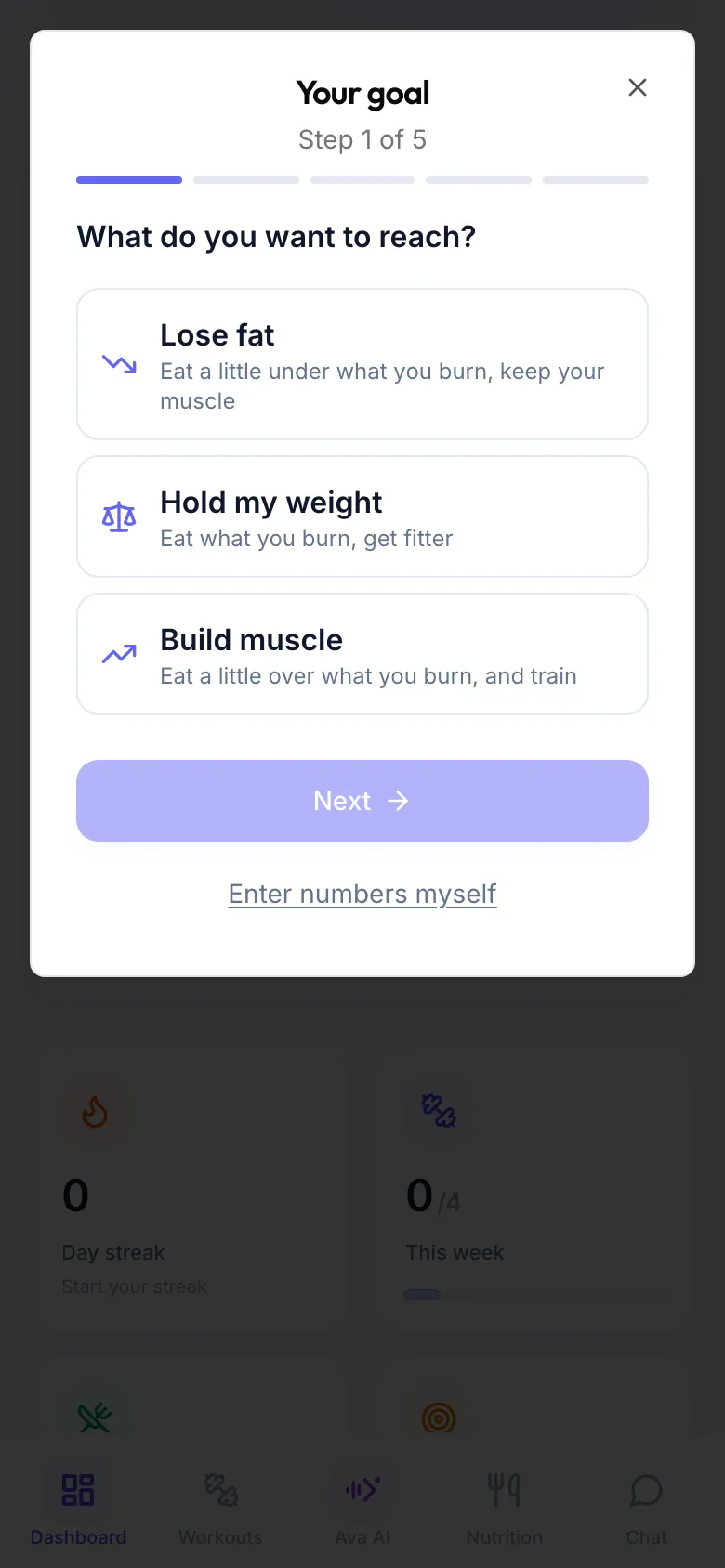
Rather talk than tap? The card says it: Or just tell Ava, she can do every step with you.
Want a coach? Open Find a coach in the menu, look around and message a coach or ask to join. You do not need one: everything above works on your own. On the free plan you can train with 1 coach.
Your welcome points. New athletes get 100 Fitiva Points to start. They never expire.
Good to know
- Your photo, body stats and goals live on My Profile.
- The reminders row only shows up where your browser can receive push notifications.
- The X in the corner of the card hides it.
Looking for something else?