 Fitiva
What is the 'Your day' card?
The dashboard card with everything you tick off each day: your check-in, water, supplements and the fasting timer.
Your day sits next to Today's nutrition on your dashboard and gathers the small things you do every day in one card.
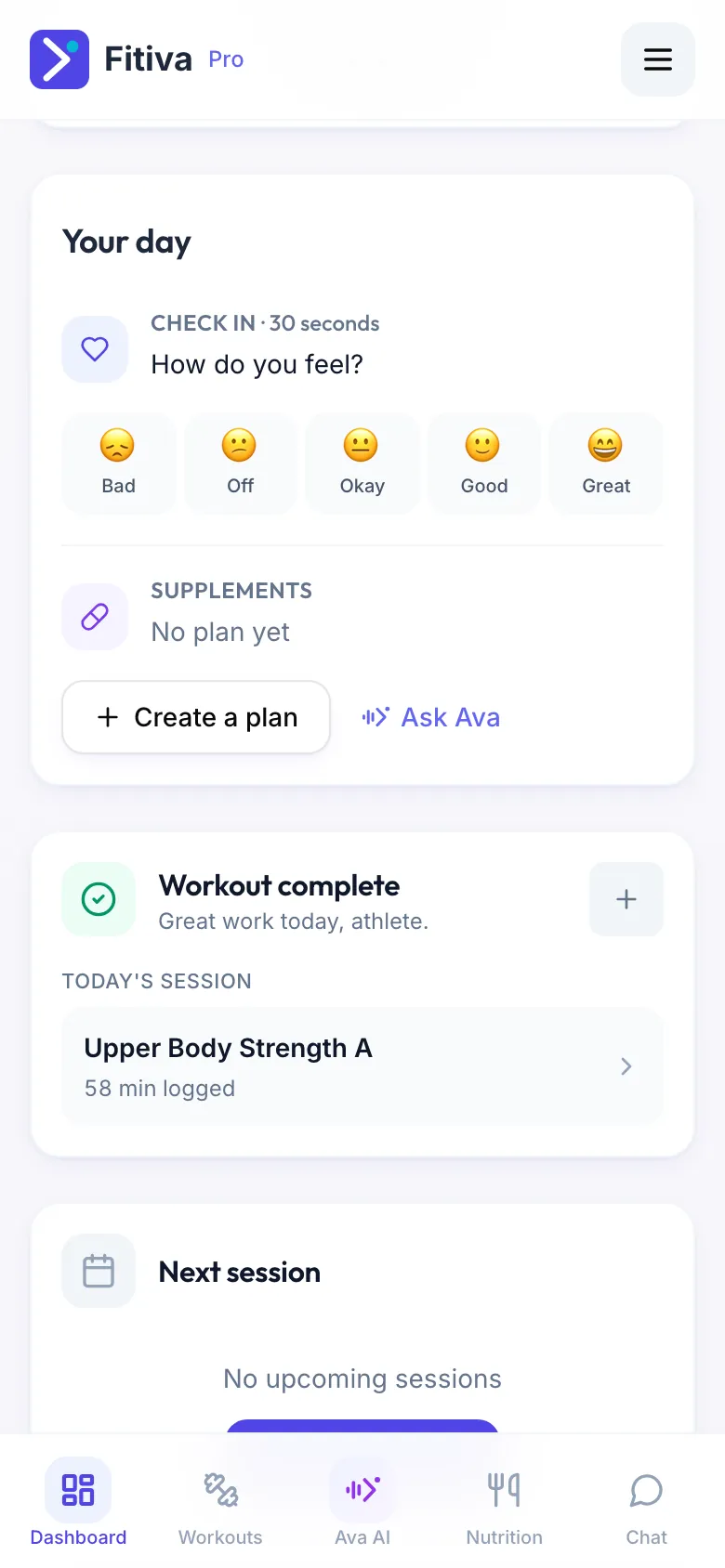
It has up to four sections:
- Check-in: your daily check-in with mood, sleep, stress and energy. It is always there and always first.
- Water: tap 100 ml, 250 ml, 500 ml or 1 L for every drink and see how much is left to your goal.
- Supplements: tick off what is due today. Without a plan you see Create a plan and Ask Ava.
- Fasting: the time since your last logged meal. It only appears when you have logged a meal in the last 48 hours.
For coaches: the same card is on My Progress, for your own training.
Good to know: Ava can do all of it from the chat too, for example "log 500 ml water", "I took my creatine" or "how long have I fasted?".
Looking for something else?