 Fitiva
How do I change or delete a meal?
A saved meal cannot be edited, so delete today's meal with the bin icon and log it again.
You cannot edit a saved meal. To change one, delete it and log it again. This works for the meals you logged today.
See what is in a meal
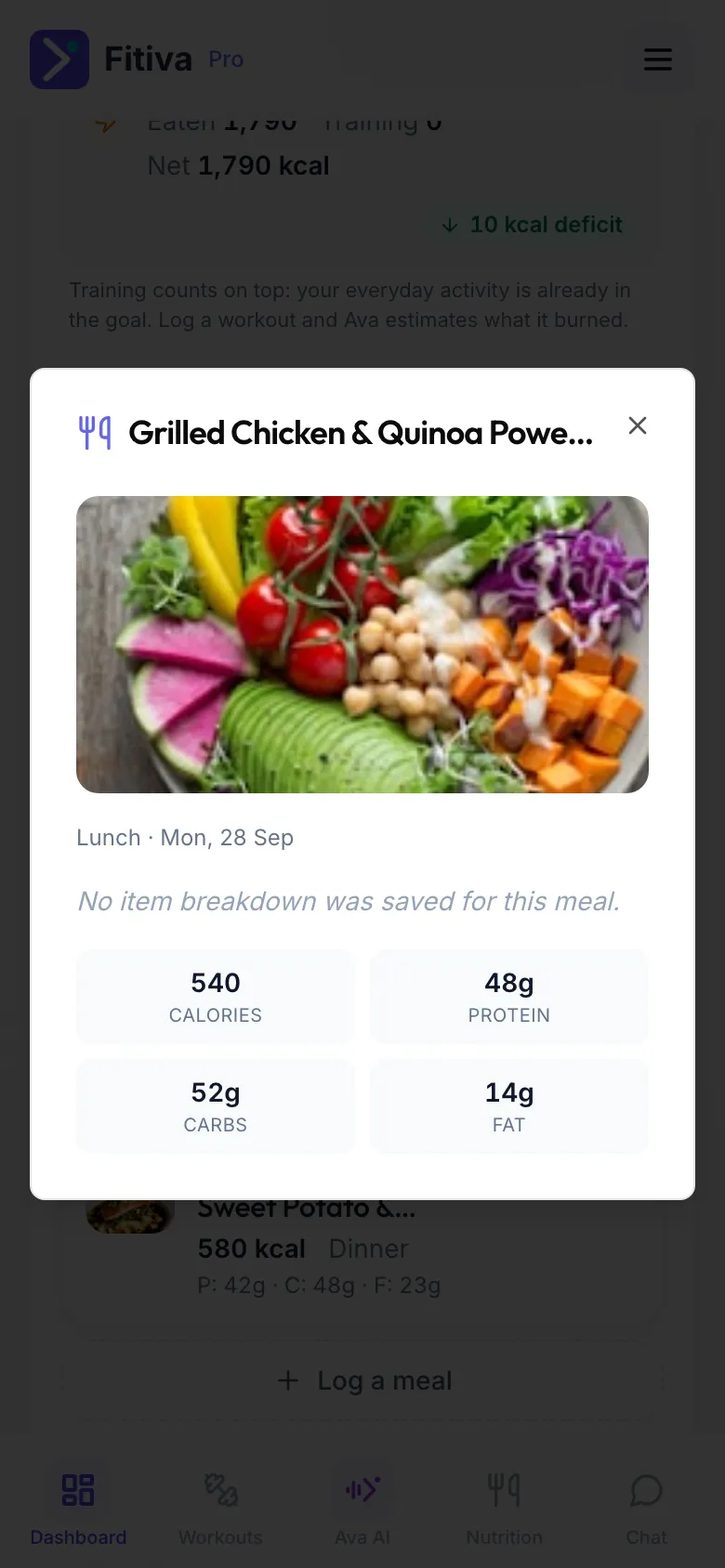
Tap a meal under Today's meals on your dashboard. You see its photo, calories and macros and, for a meal from the AI or the food list, What's in it item by item.
Delete a meal
- On your Dashboard, find the meal under Today's meals.
- Tap the bin icon on it (Delete meal). It is removed right away.
On the Nutrition page, tap the bin icon next to the meal (Remove meal) and confirm.
Change a meal
Delete it, then tap Log a meal and log it again with the right numbers.
Good to know
- Deleted the wrong one? Just log it again.
- Just logged a meal through Ava? Tap Undo on her card.
- Meals from earlier days cannot be deleted in the app. To add a forgotten meal to an earlier day, ask Ava.
Looking for something else?