 Fitiva
How are my calorie and macro targets set?
Fitiva works them out from your goal, your body and how active you are, and you can change them any time with Goals on your dashboard.
Your daily targets come from your goal, your body and how active you are. You can let Fitiva work them out or type your own.
Work them out
- On your Dashboard, tap Goals next to Today's nutrition.
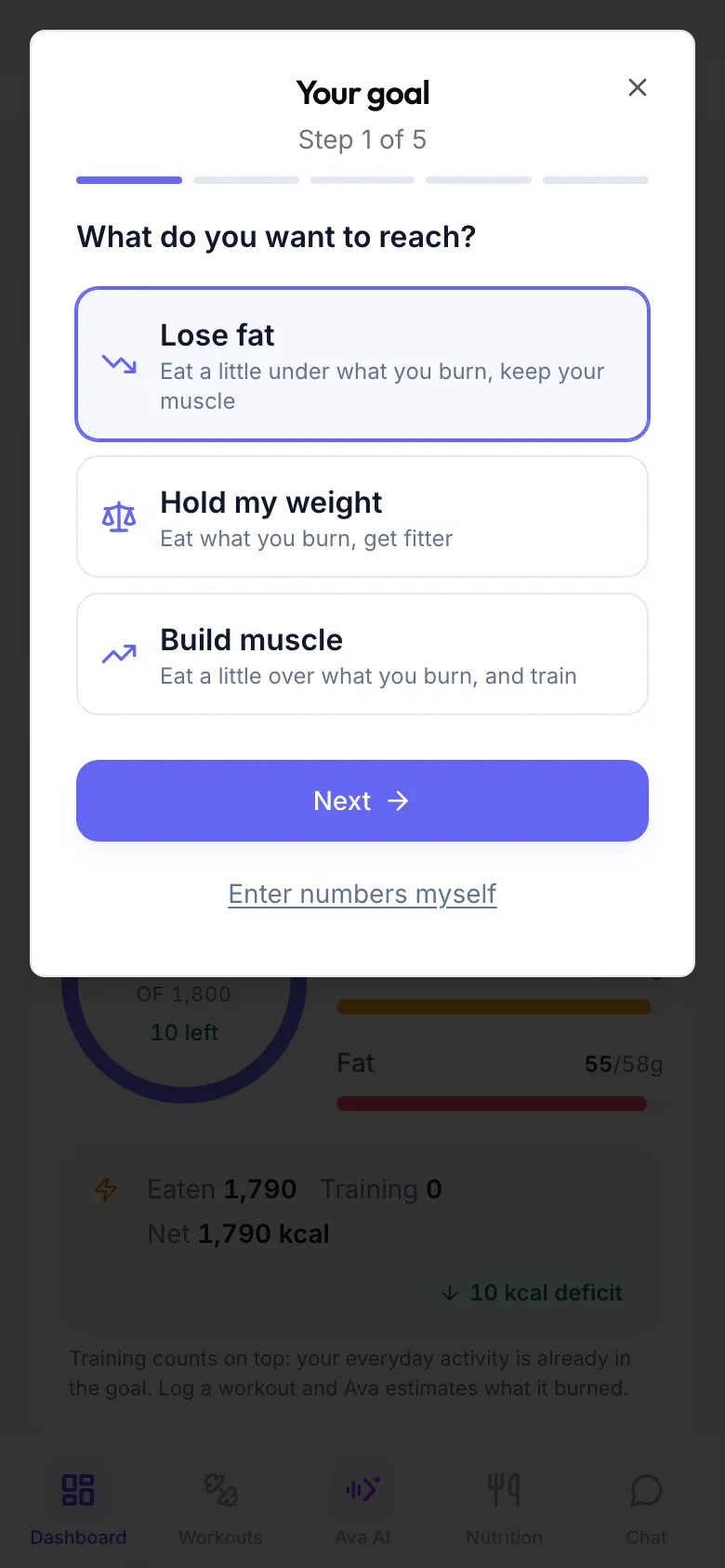
- What do you want to reach? Pick Lose fat, Hold my weight or Build muscle.
- How fast? Pick Gentle, Steady or Faster. To lose fat that means about 10, 20 or 25 percent under what you burn, never more than 1,000 kcal under. To build muscle it means about 5, 10 or 15 percent over. With Hold my weight this step is skipped.
- About you: your sex, Date of birth, Height in cm, Weight in kg and, if you know it, your body fat in percent, which makes it more precise.
- How active is a normal week? Pick Mostly sitting, Lightly active, Active, Very active or Extremely active.
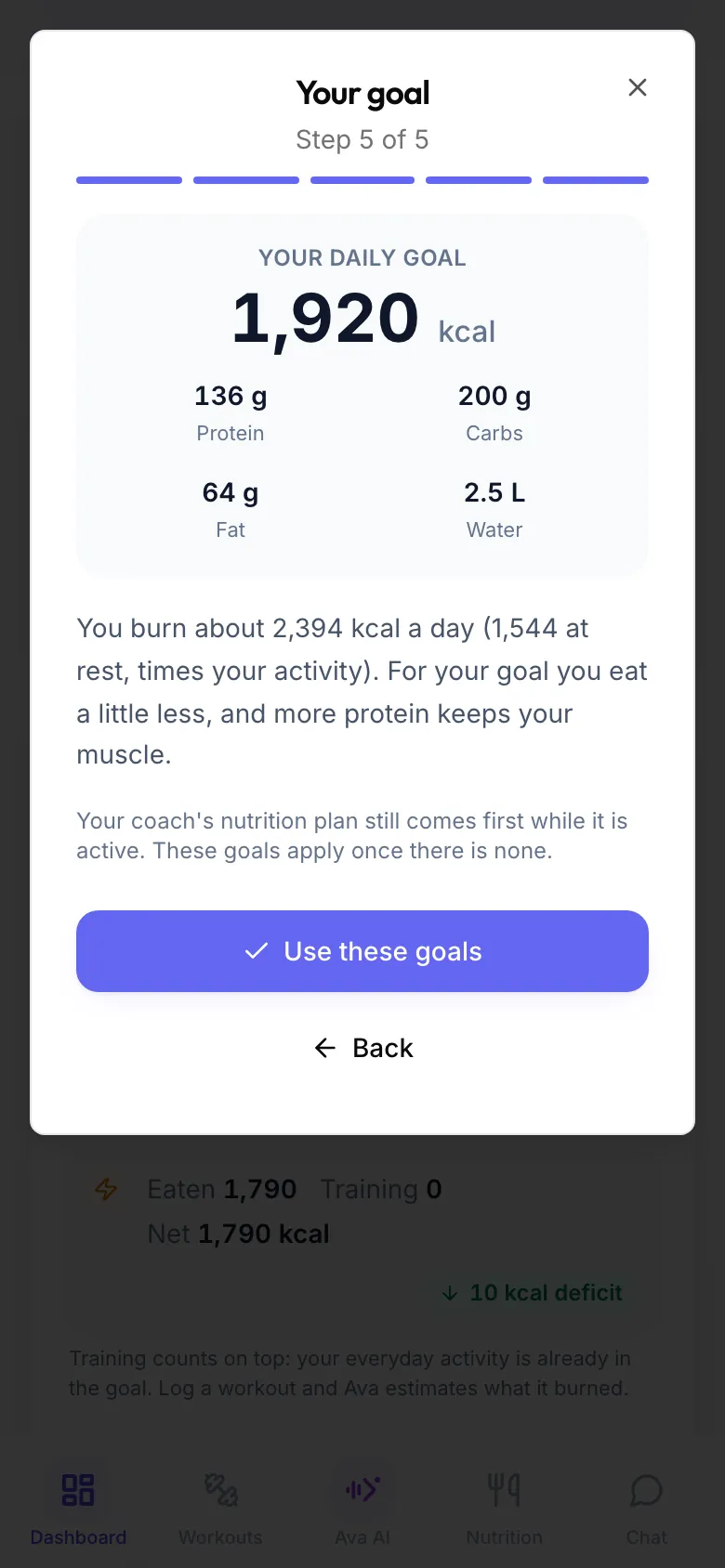
- Check Your daily goal: calories, protein, carbs, fat and water, with a line on how it was worked out.
- Tap Use these goals.
Type your own numbers
On the first step tap Enter numbers myself. In Your daily goals fill in calories, protein, carbs, fat and water and tap Save goals. Leave a field blank to use the default.
Good to know
- A nutrition plan from your coach comes first while it is active. Your own goals apply again once there is none.
- Fitiva never sets a target below the minimum we recommend without medical supervision. If your goal lands there, you see a note.
- Under 18 there is no deficit and no surplus: the goal is what your growing body needs.
- Workouts you log count on top of your target, see the calorie ring.
- Ava can set this up from a sentence, for example "I want to lose weight at a steady pace", or save numbers you already have.
These targets are a guide, not medical advice. Talk to a doctor or a dietitian before big changes to how you eat, especially if you are pregnant, injured or managing a health condition.
Looking for something else?