 Fitiva
Can I set my own goal?
Yes: tap Set a goal on your dashboard, pick a goal type and enter where you start, your target and a date.
Yes. Your own goal works like a sprint from a coach: a start value, a target and a date, with a progress bar on your dashboard.
- On your Dashboard, tap Set a goal on the Active sprints tile. It shows while you have no active goal.
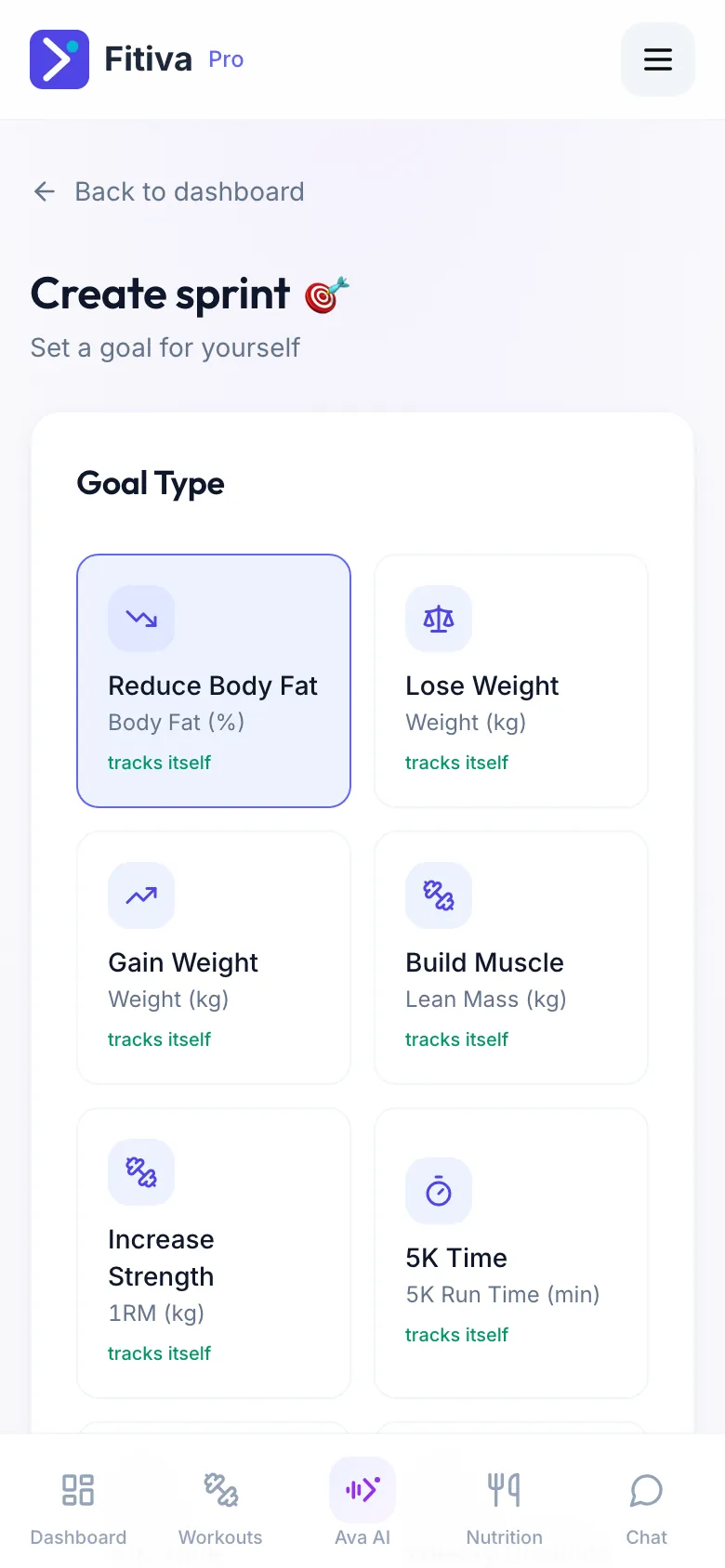
- Under Goal Type, pick one: Lose Weight, Gain Weight, Reduce Body Fat, Build Muscle, Increase Strength, 5K Time, 10K Time, Weekly Distance, Lower Handicap, 2K Erg Time, 100m Swim, Improve Mobility or Custom Goal. Each one says whether it tracks itself or is logged by hand.
- Enter the Starting Value, the Target Value, the Start Date and the Target Date, and give your goal a name.
- Tap Create Sprint.
How your goal moves
- Goals that track themselves (weight, body fat, muscle, strength, running and rowing times, weekly distance) update from your weigh-ins, body check-ins, records and logged workouts.
- For all others, tap Log progress on the goal card and enter your new number. A value logged by hand always wins.
- An entry cannot be deleted. If you logged a wrong number, log the right one.
Good to know
- Your coach sees your goal.
- Want a second goal next to a running one? Ask Ava, for example "set me a goal to run 5 km in under 25 minutes by March".
- Ava can also log progress on a goal. She asks you to confirm first, because it cannot be undone.
Looking for something else?