 Fitiva
How do I log a workout by describing it?
In Log a workout, write or say what you did under Describe it and tap Parse and estimate burn, with Premium as an athlete or Pro or Elite as a coach.
Write what you trained in your own words, and the AI turns it into a logged workout with exercises, sets, reps, weights and the calories burned.
- Tap the + on Today's workout on your dashboard (Log a workout), or Log workout on the Workouts page.
- Stay on Describe it.
- Under What did you train? write what you did, for example "3 sets bench press at 60 kg, 3 sets incline press at 40 kg". Rather speak? Tap the microphone on your keyboard.
- Tap Parse and estimate burn.
- The form switches to Enter it with everything filled in. Check the activity, the exercises, the duration and the calories, and correct anything.
- Tap Log workout.
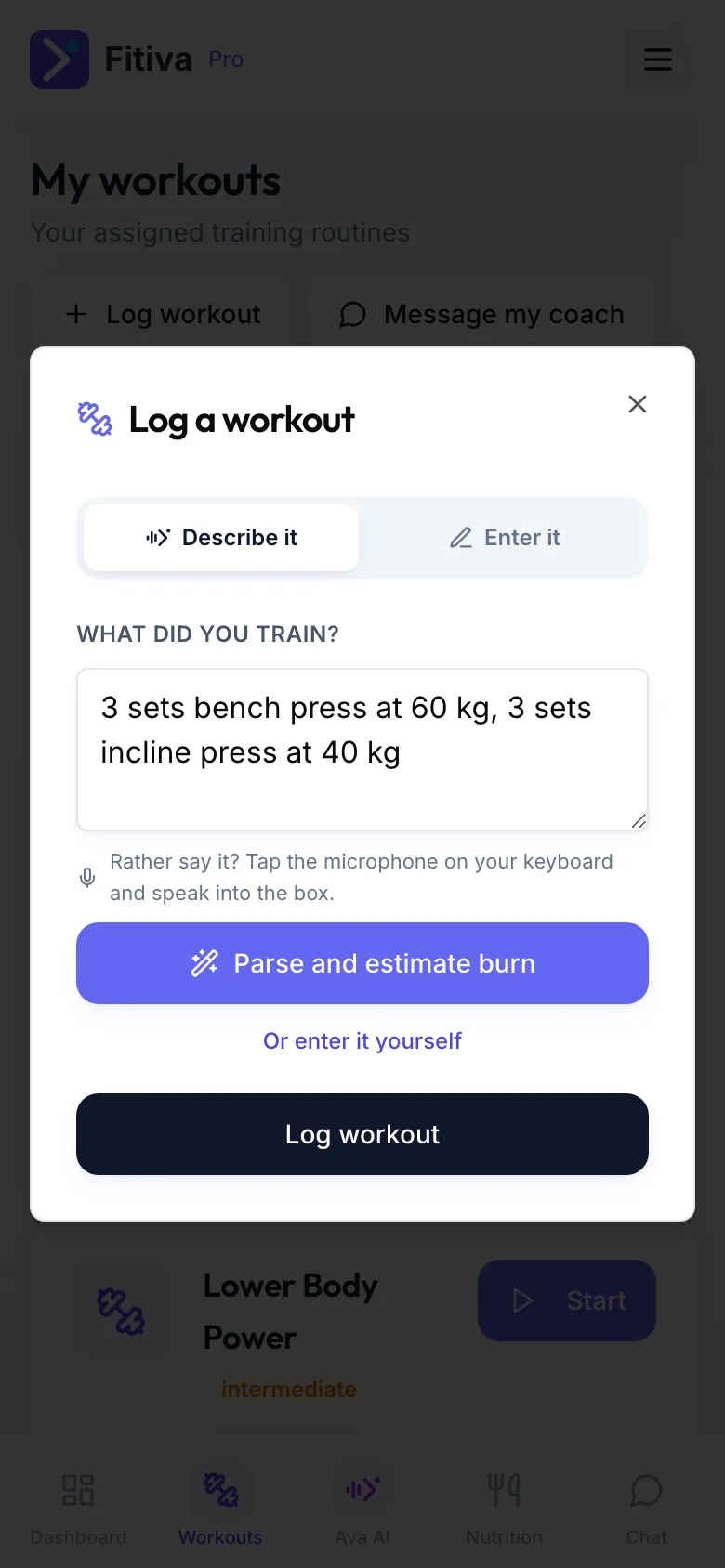
Who can use it: athletes with Premium, coaches on Pro or Elite. Every plan has a daily limit for AI features. When it is reached you can still fill the fields in yourself, and it resets tomorrow. Without Premium, tap Or enter it yourself: entering a workout is always free.
Good to know
- The calories are an estimate based on your body weight. Without a weight on your profile they assume 75 kg, and the app tells you so. Add your weight in your profile for a better estimate.
- Nothing is saved until you tap Log workout.
- You can also tell Ava what you did in the chat, and she logs it.
Looking for something else?