 Fitiva
How do I change or delete a logged workout?
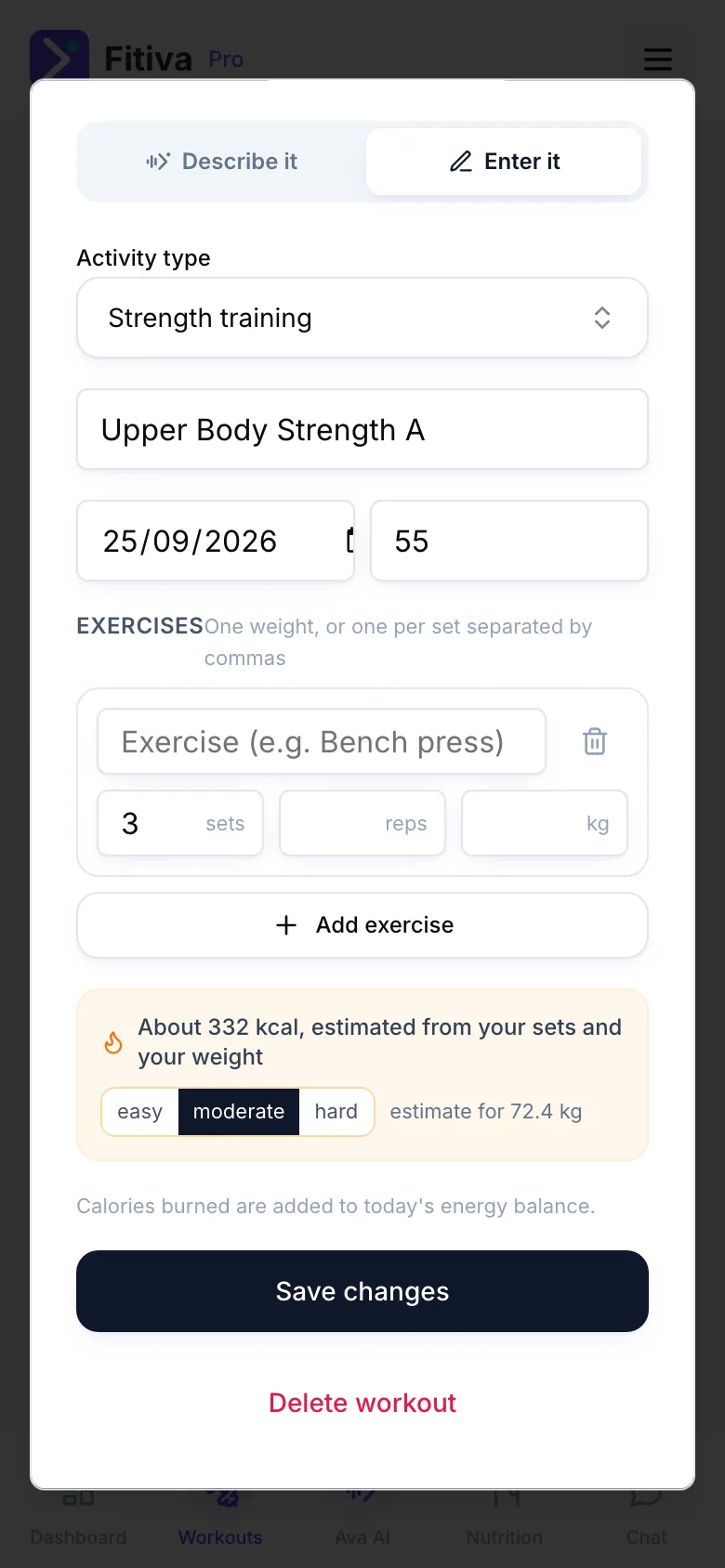
Tap the workout under Recent activity on the Workouts page: the form opens again with Save changes and Delete workout.
Tap a workout you logged and the same form opens again, ready to change.
- Open Workouts and find the workout under Recent activity. Today's workouts are also on Today's workout on your dashboard.
- Tap it.
- Change what is wrong, for example the date, the duration, an exercise or the calories.
- Tap Save changes.
Delete it
Tap Delete workout in the same form and confirm. This cannot be undone.
What happens next
- Your energy balance, your streak and goals that track themselves follow the corrected workout.
- A personal record that came from this workout is corrected, or removed if nothing supports it any more. Records you logged yourself are not touched.
- Points you already earned stay as they are.
Good to know
- Recent activity shows your last 5 workouts.
- Just logged a workout through Ava? Tap Undo on her card.
Looking for something else?