 Fitiva
How does the guided workout work?
Start a routine and Fitiva walks you through every exercise and set, with a rest timer, and saves the workout when you finish.
The guided workout takes you through a routine exercise by exercise and logs everything as you go.
Start it
Tap Start workout on Today's workout on your dashboard, or Start on a routine under Your routines on the Workouts page.
During the workout
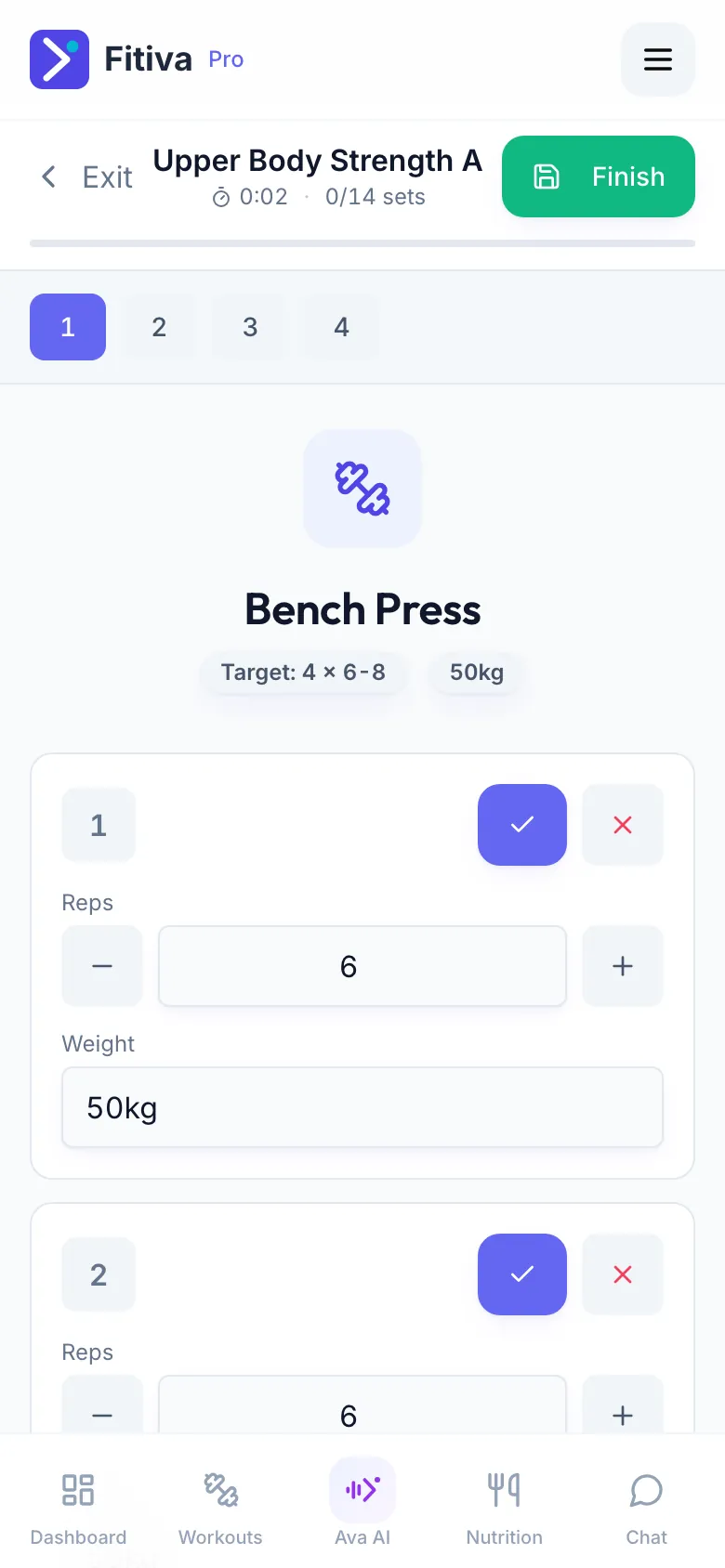
- You see the current exercise with its sets and the Target: for each one.
- Enter the Reps and the Weight you did, then tap Complete set.
- The rest timer starts. Tap Skip Rest to go on earlier.
- Need one more set? Tap Add Set. Holds and timed parts have their own timer with Start and Stop.
- Tap Next Exercise to move on, or Previous to go back.
- After the last exercise, tap Finish.
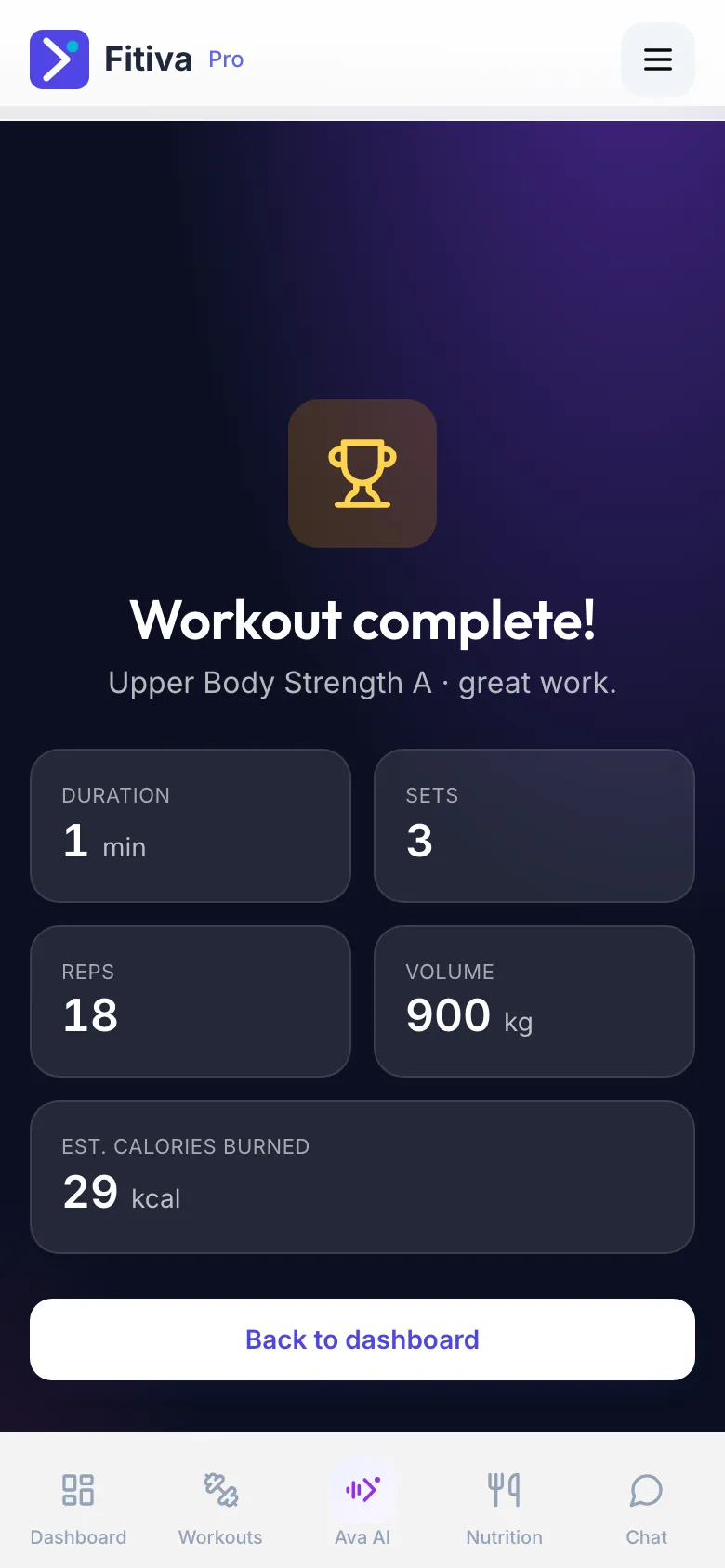
At the end you see Workout complete! with Duration, Sets, Volume and Est. calories burned.
What happens next
- The workout is saved, earns 50 points and counts towards your streak.
- A heavier weight than ever before on an exercise becomes a personal record by itself.
- If you have a coach, your coach gets a message that you finished.
Good to know
- Leaving with Exit before you finish does not save what you have done so far.
- Finish without a single completed set and you are asked whether to log the workout anyway.
- Wrong numbers? Tap the workout under Recent activity on the Workouts page to correct them.
Looking for something else?