 Fitiva
How do I log a workout?
Tap Log a workout and enter it yourself (free) or describe it (Premium), or start a routine and the guided workout logs it for you.
There are two ways: log a workout you already did, or start a routine and let the guided workout log it while you train.
Log a workout you did
- On your Dashboard, tap the + on Today's workout (Log a workout), or on the Workouts page tap Log workout.
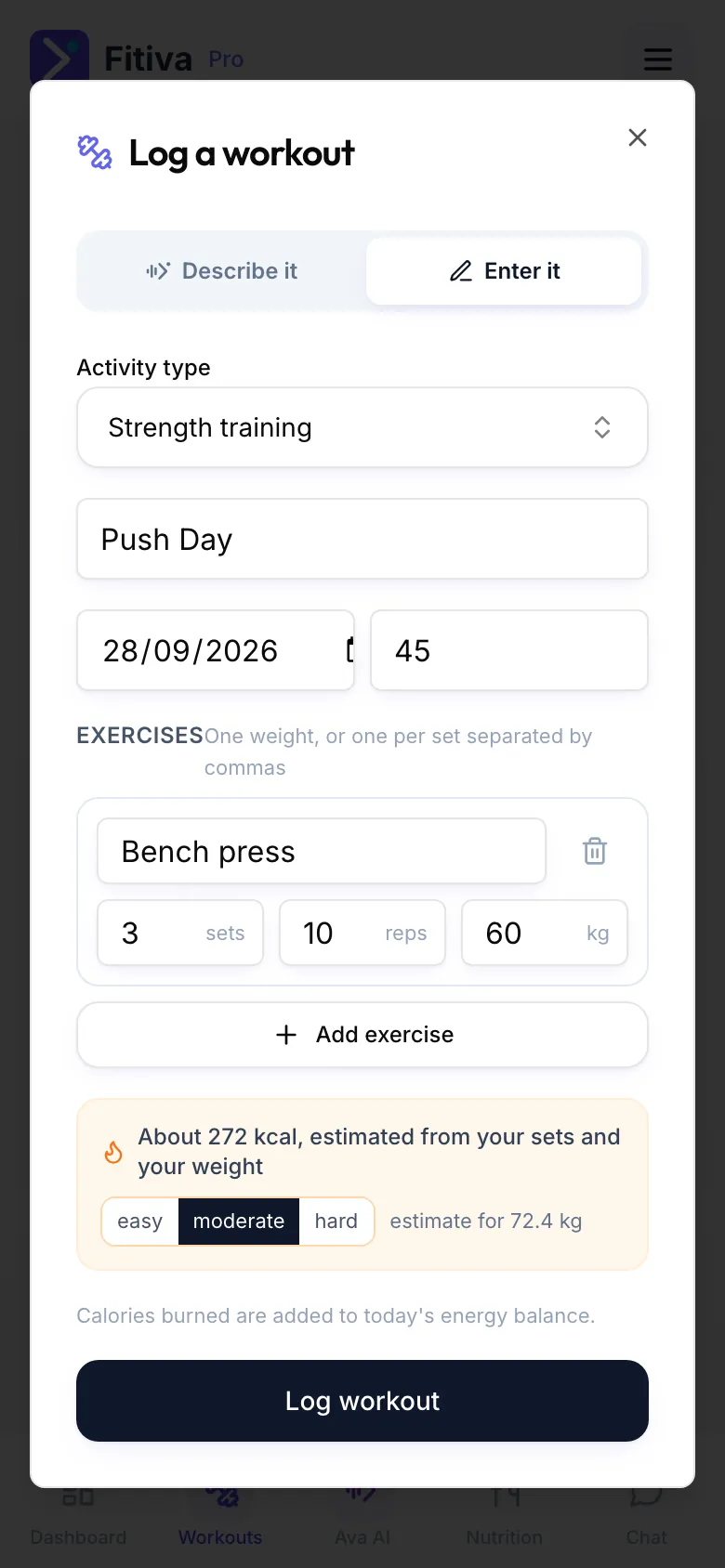
- Tap Enter it.
- Choose the Activity type. Search for your sport, or type any name and log it as your own activity.
- Check the name, the Date and the Duration (min).
- For strength training add each exercise under Exercises with Sets, Reps and Weight (kg), and tap Add exercise for the next one. For a run, a ride or other cardio fill in Distance (km), Elevation gain (m) or Calories burned.
- Tap Log workout.
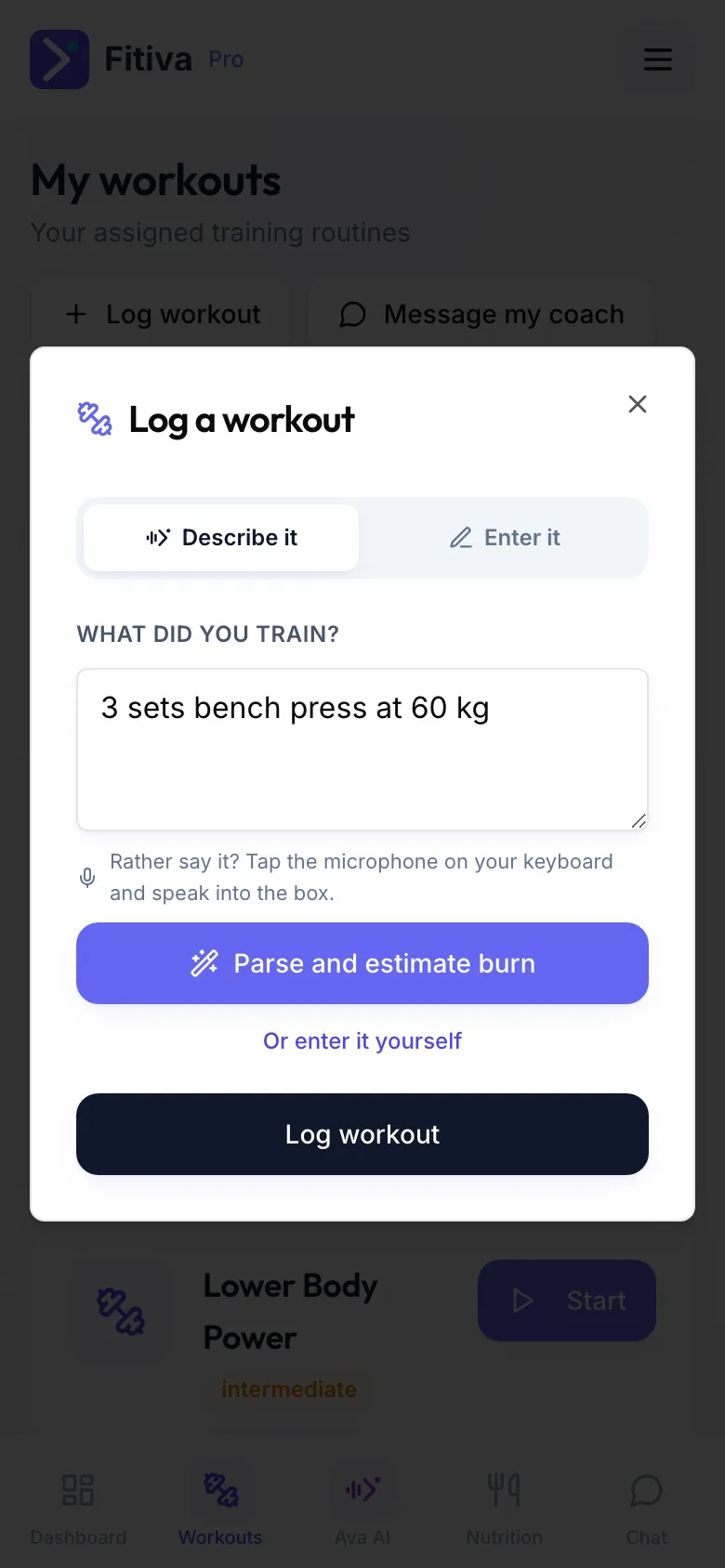
Describe it instead (Premium): on the Describe it tab write what you did, for example "3 sets bench press at 60 kg", and tap Parse and estimate burn. The fields fill themselves and you check them before you save.
Follow a routine
Tap Start workout on Today's workout, or Start on a routine under Your routines on the Workouts page. The guided workout walks you through every set and saves the workout when you tap Finish.
What happens next
- You earn 50 points and the day counts towards your streak.
- The calories burned count in that day's energy balance. For strength training they are estimated from your sets and your weight; for cardio you can tap Use about … kcal or type your own.
- Your coach sees the workout, and goals that track themselves move with it.
- A heavier weight than ever before on an exercise becomes a personal record by itself.
Good to know
- Done this exercise before? The form shows what you did last time, and Use these copies it.
- Made a mistake? Tap the workout under Recent activity on the Workouts page to change or delete it.
- You can also tell Ava what you did, for example "log a 10 km run, 55 minutes".
Looking for something else?