 Fitiva
How do I withdraw from a contract?
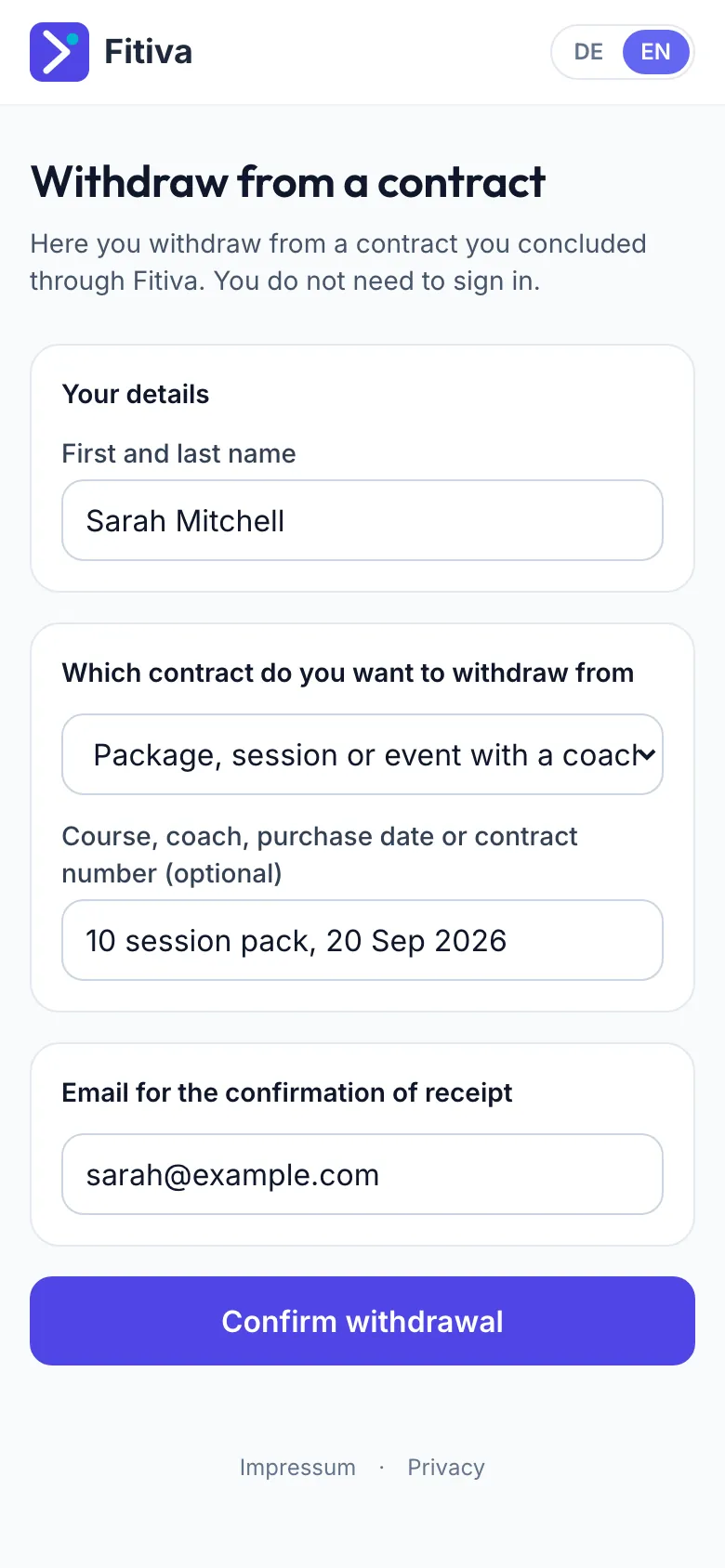
Press Withdraw from contract here on any Fitiva page or open app.fitivapro.com/widerrufen, no sign-in needed, and you get a confirmation by email.
As a consumer you can withdraw from a Fitiva subscription within 14 days of taking it out, without giving a reason.
- Press Withdraw from contract here. It is on every Fitiva page, in Settings under Privacy & data, and at app.fitivapro.com/widerrufen. You do not need to sign in.
- Enter your name and pick the contract under Which contract do you want to withdraw from. Add a course, coach, purchase date or contract number if you have one.
- Enter the Email for the confirmation of receipt.
- Press Confirm withdrawal.
When you are signed in, the page also lists Contracts you can withdraw from, each with the last day for it.
What happens next. You get a confirmation of receipt by email straight away. We then check whether and to what extent your withdrawal is effective and write to you about it separately. If it is, you get your money back within 14 days, to the payment method you used. Your declarations are listed in Settings under Your cancellations and withdrawals.
Online courses. Before you pay for a course, you agree that your access starts before the withdrawal period ends. With that, your right of withdrawal ends as soon as your access begins.
Where there is no right of withdrawal
- A session booked for a specific date: the coach's cancellation policy applies instead.
- Coaches who act as a business have no statutory right of withdrawal. We still review a withdrawal from Pro or Elite.
- For packages, sessions and events with a coach, we check whether a right exists.
You did not send it? The email about it has the link That was not me, which reverses it.
You can also withdraw by email to hello@fitivapro.com. A withdrawal by email is just as valid.
Looking for something else?