 Fitiva
My card payment failed: what happens?
Your paid features pause until a payment goes through, and once you update your card your plan comes straight back.
When a renewal of your Fitiva plan fails, your subscription is still there, but its paid features pause: you use Fitiva with the Free features until a payment goes through. Stripe tries your card again automatically.
What you see: the Fitiva plan row in Settings says Your last payment failed, and your plan page shows Payment failed with Your last payment failed. Update your card to get your plan back.
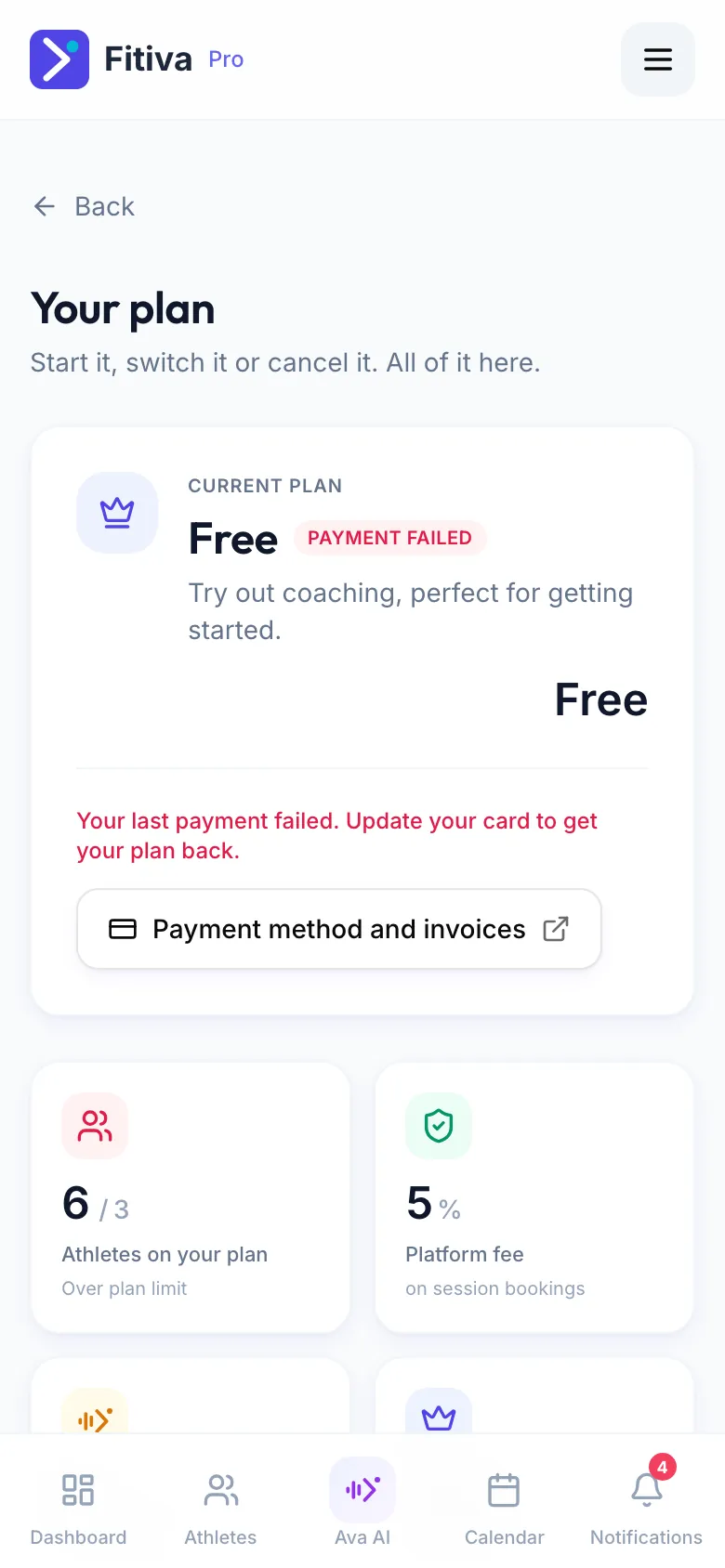
Fix it
- Open Settings and tap Fitiva plan.
- Press Payment method and invoices.
- At Stripe, add a card that works.
As soon as a payment goes through, your plan and its features are back. Nothing you logged is lost in between.
If no payment goes through in the end, the plan does not come back and you stay on Free. You can start it again any time on your plan page.
A coaching subscription you pay your coach
If a payment to your coach fails, you get a notification that your payment did not go through, and the Subscription card in Settings shows Payment failed. Press Manage subscription and update your card there. Your coach is told as well, and Stripe retries automatically.
Looking for something else?