 Fitiva
How do I export my payments?
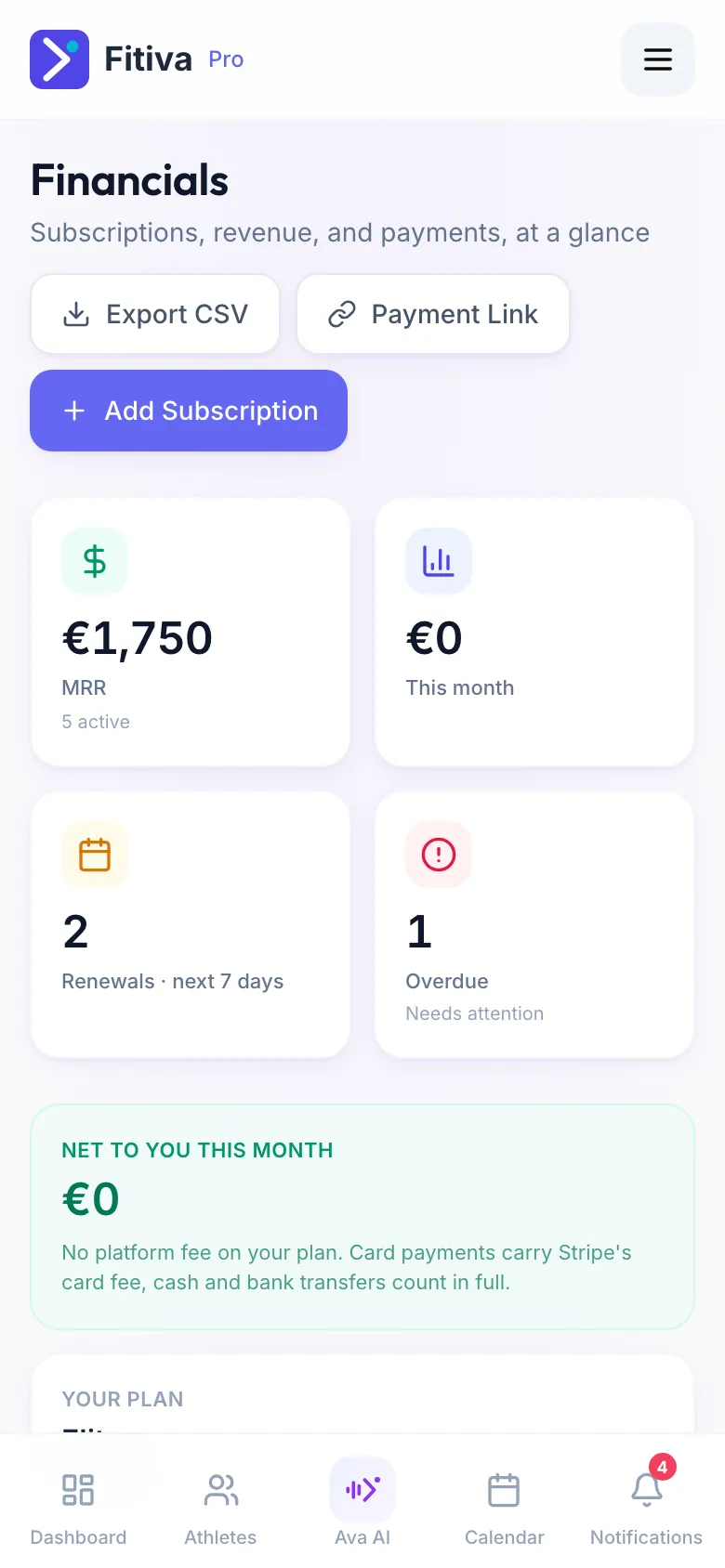
On Elite, press Export CSV in Financials to download every payment with its fees, ready for your accountant.
On Elite, press Export CSV in Financials and you get a file with every payment.
- Open Financials.
- Press Export CSV at the top of the page.
- The file is saved on your device.
What is in the file
One row per payment: Date, Athlete, Description, Amount, Currency, Status, Payment method, Platform fee, Stripe card fee and Invoice number. It opens in Excel, Numbers or Google Sheets and is handy for your accountant.
On Free and Pro
The export is part of Elite. The button tells you so and opens your plan page, where you see the price and can upgrade.
Good to know
- Without any payments yet, there is nothing to export.
- Payments taken at the session count in full and carry no fees.
Looking for something else?