 Fitiva
Can I export my data?
Yes: in Settings, press Export under Privacy & data and you get a JSON file with everything we hold about you.
- Open Settings and scroll to Privacy & data.
- Next to Download my data, press Export.
- Your browser saves a JSON file with everything we hold about you.
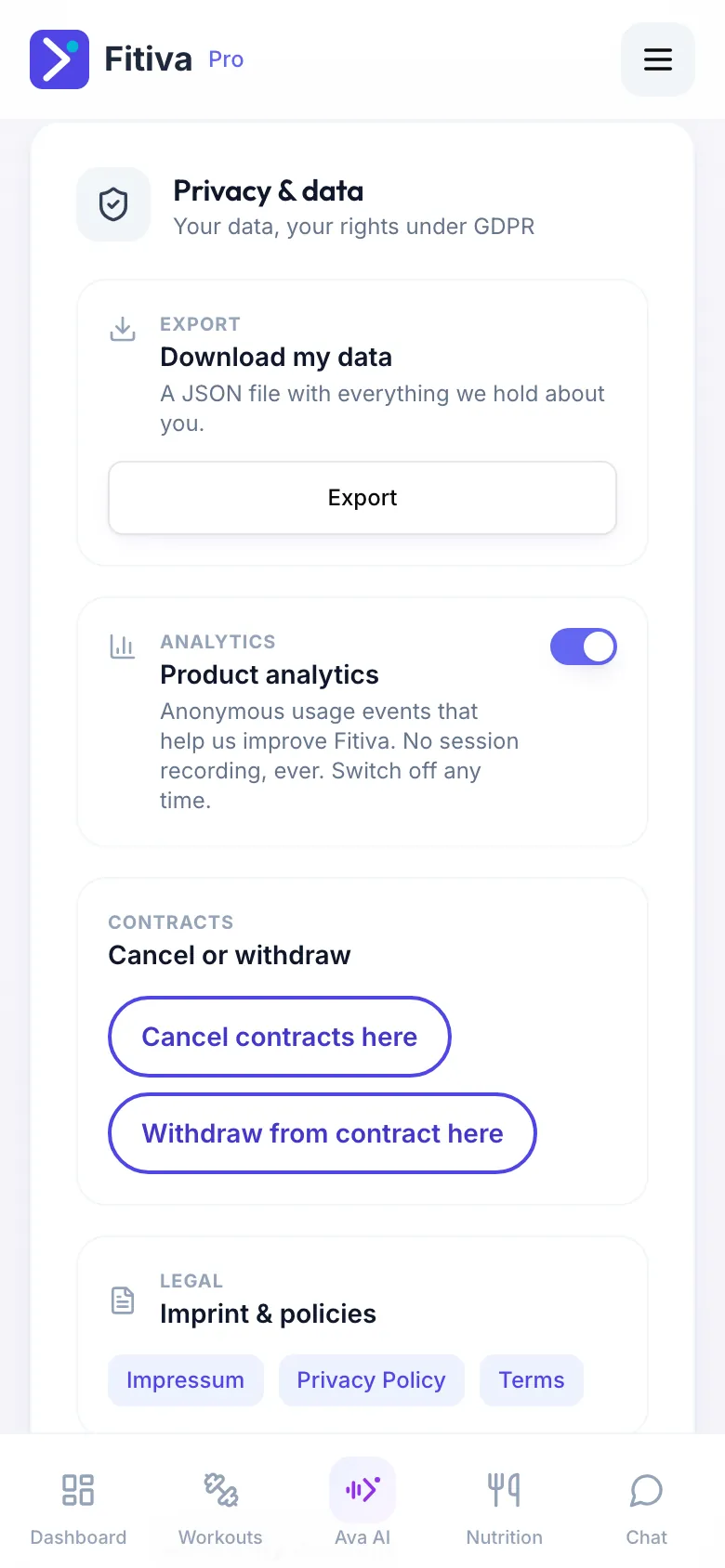
That is your right of access and data portability under the GDPR, built in. The file covers your profile and everything you logged and booked: workouts, meals, water, body progress, check-ins, supplements, health notes, messages, sessions and payments.
Good to know
- JSON is a plain-text format that other apps and tools can read. To look inside, open it in a text editor.
- If you see Your data could not be saved on this device, open Fitiva in a browser such as Chrome or Safari and export there.
- Need something the file does not answer? Write to hello@fitivapro.com from the email address of your account. We answer requests about your data within one month.
Looking for something else?