 Fitiva
Can I switch off product analytics?
Yes: switch off Product analytics under Privacy & data in Settings; it only ever collects anonymous usage events and never records your screen.
- Open Settings and scroll to Privacy & data.
- Switch off Product analytics.
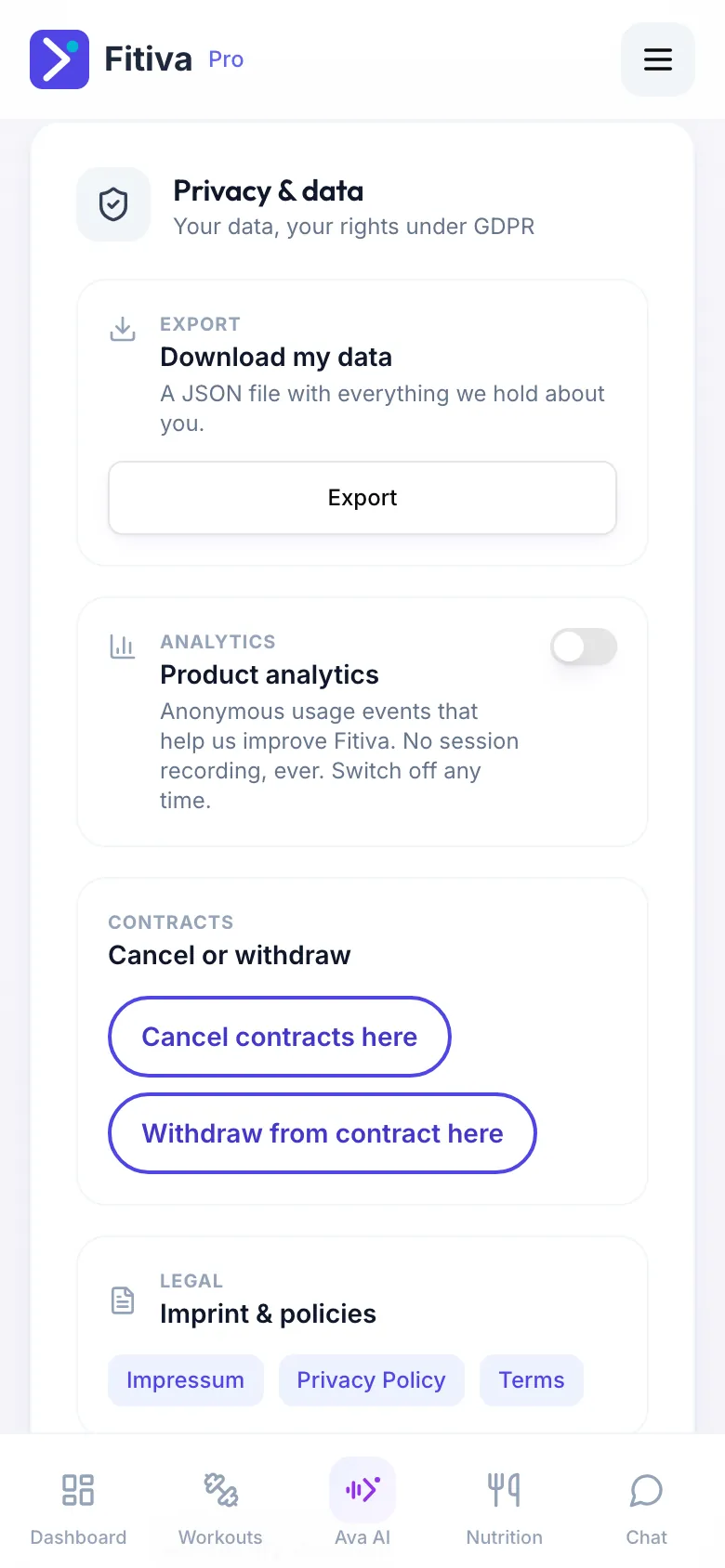
You see Product analytics switched off for your account. Nothing else about Fitiva changes.
What it is. Anonymous usage events that help us improve Fitiva, for example which features get used. We use PostHog, hosted in the EU. Session recording is switched off, so your screen is never replayed.
You can switch it on again the same way at any time.
Looking for something else?