 Fitiva
How does chat work?
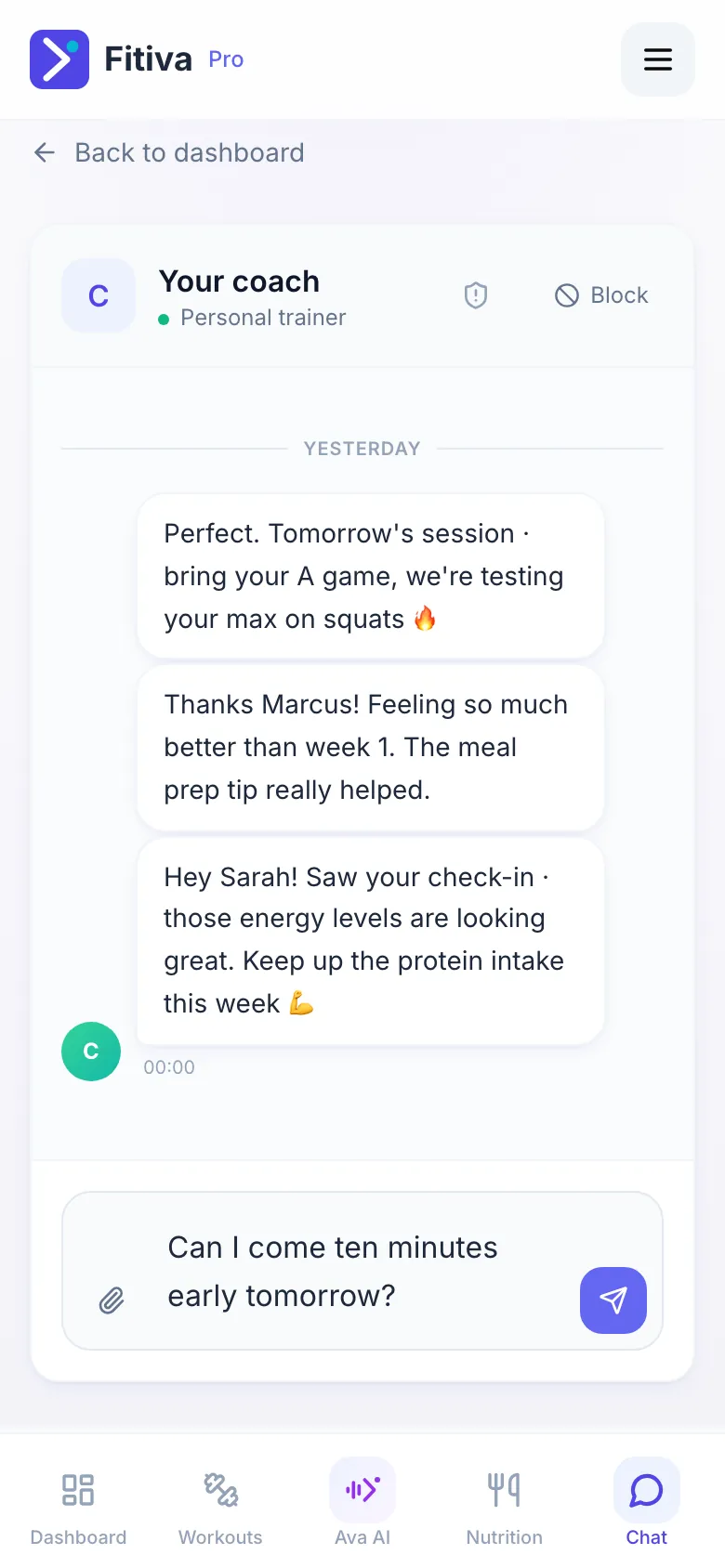
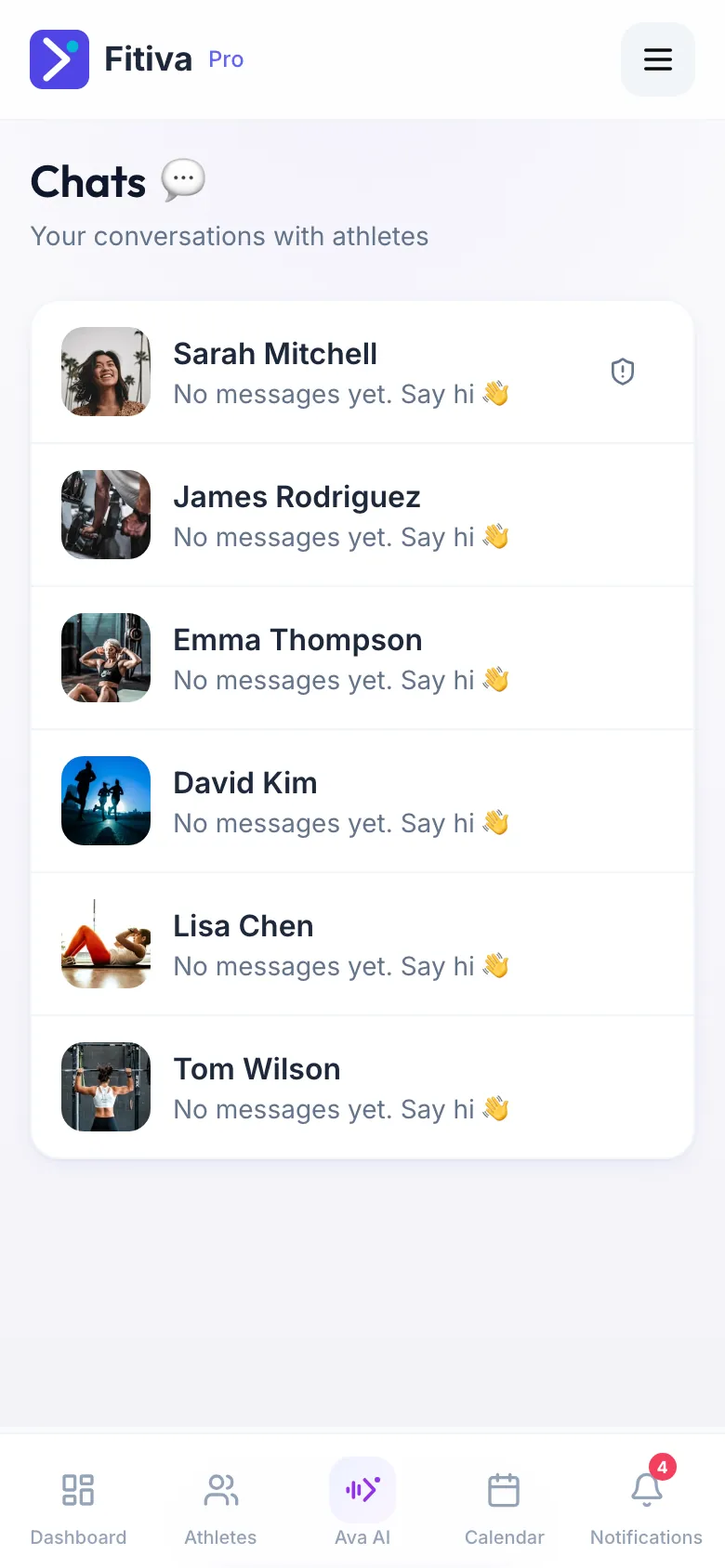
Athletes chat with their coach under Chat, coaches with every athlete under Chats; messages are private and you can send images.
Chat is a private conversation between an athlete and their coach.
Where to find it
- Athletes: Chat in the menu, or Message on your coach's card on the dashboard.
- Coaches: Chats lists every conversation with its unread messages. You can also open an athlete and use the Chat tab.
Sending
- Type your message. On a computer, Enter sends and Shift+Enter starts a new line.
- Attach image sends a photo.
- Coaches can tap Draft a reply with Ava to get a suggested answer they can edit before sending.
When chat opens
As an athlete you can chat once you train with a coach, have asked a coach to take you on, or have a booking with them. Without a coach, the page offers Find a coach.
Emails and push notifications
- The first message of a conversation is emailed right away.
- After that, there is only a reminder when messages stay unread for 12 hours: at most once a day, between 8 am and 9 pm in the reader's time zone, and never during their quiet hours.
- Switch these emails off in Settings under Email notifications: Coach messages for athletes, Athlete messages for coaches.
- Push notifications are switched on on the Notifications page.
Several coaches? The Chat page shows one coach. To write to another one, ask Ava.
Problems in a chat? See How do I block or report someone?
Looking for something else?